Compare 5 Best DMCA Takedown Services for OnlyFans Content
Compare pricing, success-rates & speed of Erasa, Rulta, Enforcity and more to protect leaked OnlyFans content. Free templates & insider tips.


 Fake Account Detection & Removal
 DMCA Takedown Service
 Onlyfans Creator Protection
 Private Photo Protection
 Revenge Porn Removal
 AI Image Abuse Detection
 For Creator
 For Individuals
 General
 Twitter Shadowban Test
 Instagram Shadowban Test
 Tiktok Shadowban Test
 Creator Platform Comparison Tool
 OnlyFans Restricted Words Checker
 OnlyFans Caption Generator
 Blog
Blog DMCA Guides
 Affiliate Program
 Email
Email X(Twitter)
 Telegram
Online content moves quickly—much faster than most people expect. A single screenshot, cropped photo, or reposted clip can circulate across multiple platforms without leaving any trace for the original creator or owner. That’s why image leak detection services have become increasingly relevant: they help people understand where their photos, portraits, or creative work reappear online.
Most people searching for image leak detection, photo leak detection, or image leak detection service aren’t looking for technical definitions. They’re usually wondering something more immediate:
“Has my picture ended up somewhere I didn’t upload it?”
This article walks through how leak detection tools actually work, what they can reveal, and why they’ve become a practical necessity—not just for creators, but for anyone who wants control over their online presence. Along the way, we’ll also touch on how tools like Erasa support multi-modal leak detection across photos, faces, videos, and usernames.
It’s not your imagination: photos spread incredibly easily now. People screenshot without thinking, platforms compress and reshape images, and repost accounts recycle whatever performs well. Once a photo moves beyond your original post, it becomes very difficult to trace manually.
And this isn’t only a problem for creators on subscription platforms. Everyday users encounter issues like:
These are the kinds of situations image leak detection services were created to investigate.
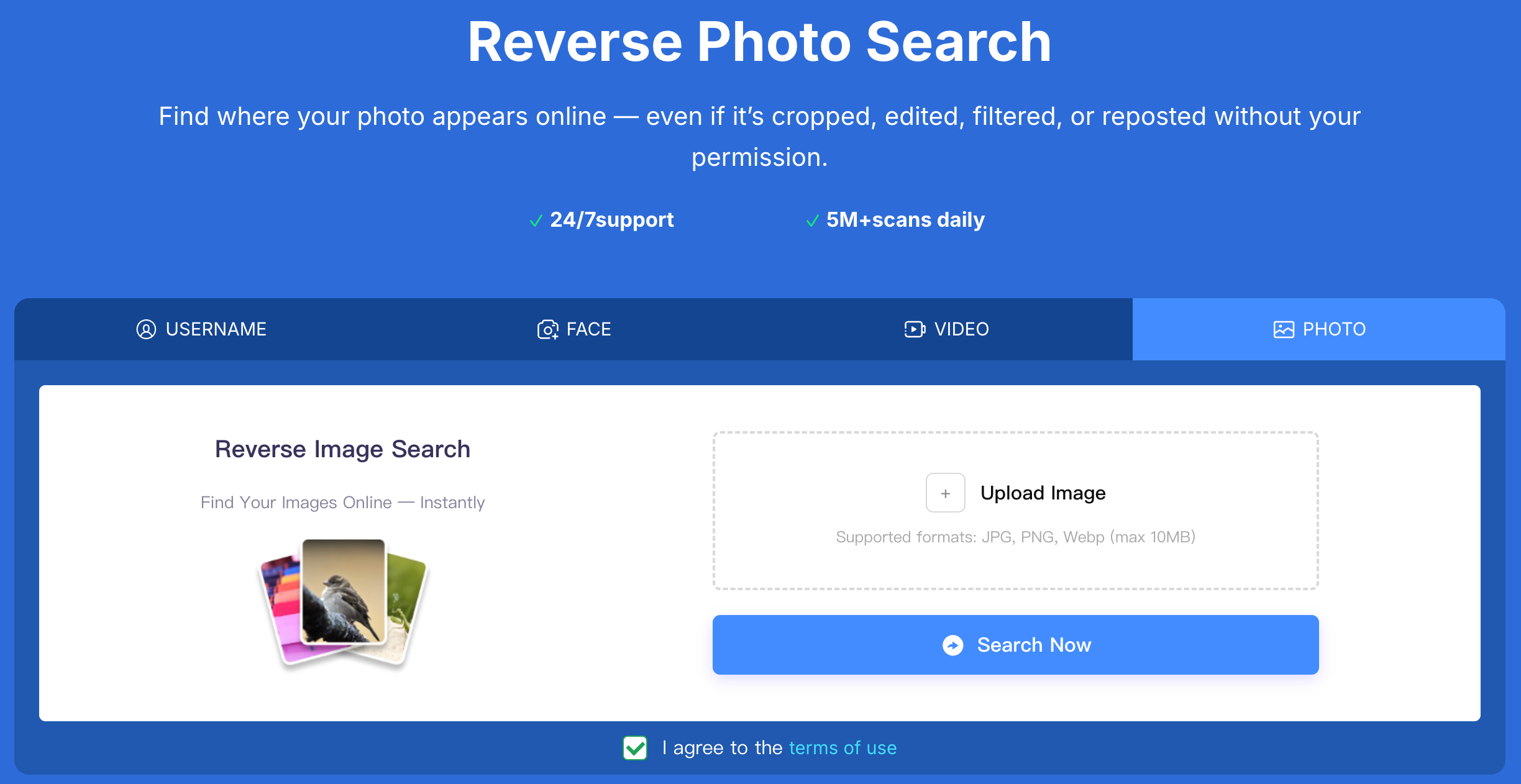
Leak detection tools try to answer a simple but important question:
Where else does this image—or a modified version of it—exist online?
Different tools use different technical approaches, but most follow a structure similar to the one below. The key isn’t the terminology—it’s understanding what each step can realistically detect.
Most people begin here because it’s familiar: upload a photo, and the system looks for visually similar matches across the web.
Reverse image search works well for:
Erasa integrates reverse image search as one part of its workflow, but modern leak detection needs more than this first layer.
This is where basic search tools often fail. Many leaked photos aren’t exact duplicates—they may be:
A true photo leak detection system looks at structural patterns rather than pixel-perfect identity. That means it can surface matches that still originate from your image even if the version circulating online looks slightly—or significantly—different.
After identifying matches, the next step is understanding where they are. Leak detection services typically check:
This gives users context, not just confirmation.
For example, someone might discover that a personal photo became a tiny preview image in a reposted compilation video—something they would never have found manually.
Not every reuse is harmful. Some posts are harmless repins; others indicate impersonation or unauthorized distribution. A good image leak detection service helps distinguish:
This helps users decide whether action is necessary.
Reverse image search has clear limits. It may miss leaks that are:
This is why multi-modal tools have become more common.
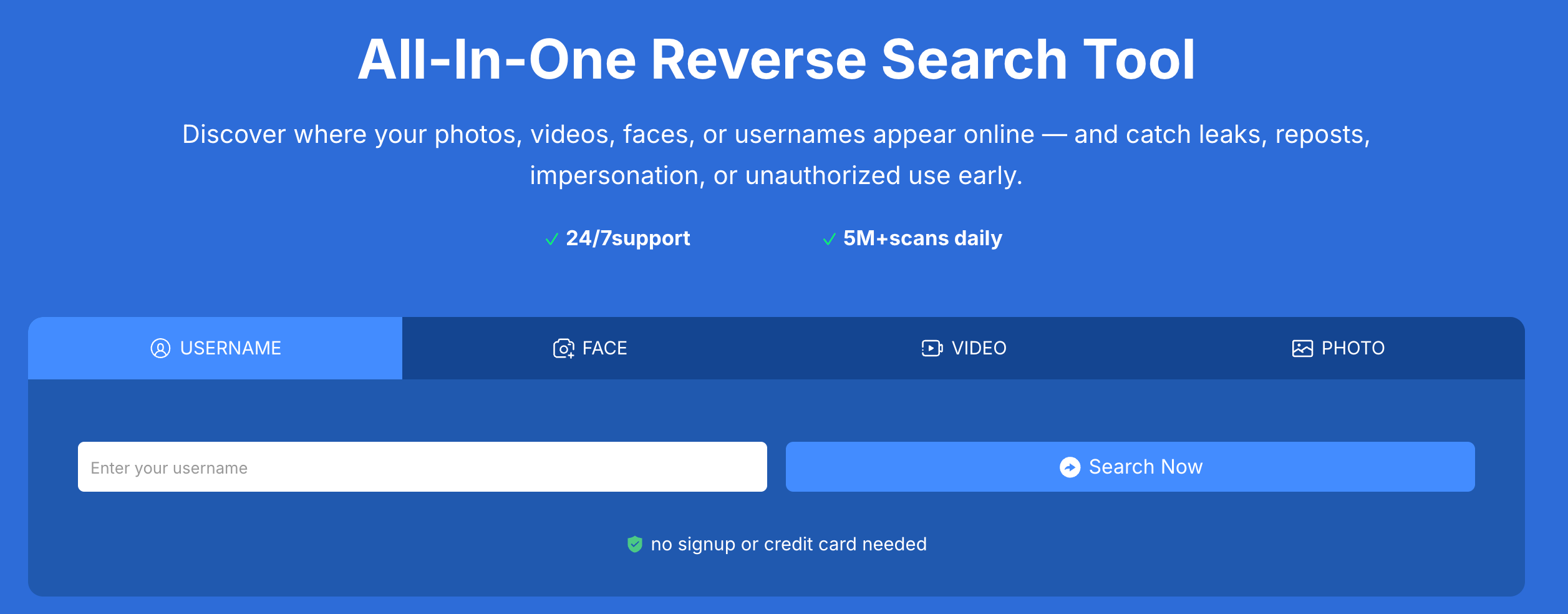
Erasa, for example, lets users run photo, face, video, and username detection in the same workflow, making it easier to understand a content footprint rather than chasing isolated matches.
These tools don’t promise magic—they simply scan more thoroughly than a manual process and surface patterns you wouldn’t see on your own.
A well-designed detection system can uncover:
One of the more common cases today involves impersonation. A user might run a check on a dating profile and discover their portrait used across multiple unrelated accounts. Another scenario involves creators seeing their paywalled content repurposed into a montage or reposted with captions added.
Leak detection doesn’t solve every problem, but it exposes where and how your content spreads.
Simple leaks can be found manually. But once content starts spreading in multiple forms, it becomes nearly impossible to track alone.
People turn to professional detection when:
This is the gap tools like Erasa aim to fill—providing broader scanning, more accurate matching, and a clearer view of where your content appears.
It’s not about policing the entire web. It’s about giving users enough visibility to make informed decisions about next steps.
Finding the leak is just one part of the process. Once confirmed, most users take steps such as:
Some creators also run scheduled scans to stay ahead of future leaks—a practice that’s becoming more common as repost culture grows.
Erasa operates in that space between simple DIY checks and full-scale content monitoring systems. It helps users identify whether their photo, face, video, or username appears online—whether as a direct repost or as a modified version.
The approach is intentionally straightforward: fast scanning, clear matches, and practical next steps. Erasa doesn’t attempt to overwhelm users; instead, it supports multi-modal leak detection that works across the formats people rely on most.
For anyone dealing with recurring leaks or uncertain reuse of their content, the ability to see the full picture—across photos, faces, and videos—provides far more clarity than reverse search alone.
Image leaks aren’t always malicious, but they almost always create confusion or discomfort. The modern web makes it easy for photos to move out of their original context, and surprisingly hard for individuals to understand where they’ve ended up.
That’s why image leak detection services have become so essential. They give users a realistic way to track down reposts, trace altered versions, and understand the spread of their content.
Erasa is one of the tools supporting that effort—combining reverse search, facial analysis, and video detection into a workflow that surfaces where your content appears and how it’s being reused. It’s built for people who want visibility, not complexity.
In a world where images circulate endlessly, knowing where your content lives online is one of the simplest forms of protection you can have.
Reverse image search is a good starting point, but it usually only detects direct reposts or lightly edited copies. If the leaked image was cropped, filtered, screenshotted, or turned into a thumbnail, basic search engines may not catch it. That’s why many people turn to image leak detection services that can identify altered or low-quality versions of the same source image.
Accuracy depends on the tool. Simple match systems rely on pixel-level similarity, while more advanced services look at structural patterns, facial features, and multi-modal signals. Tools like Erasa combine image, face, and video detection, allowing them to surface related versions even when the image has been modified.
Most platforms allow you to report unauthorized use, impersonation, or reposted content directly. If the leak involves edited versions or multiple accounts, it can help to document the findings and continue monitoring for additional appearances. Many users run periodic scans through photo leak detection tools to stay aware of new reposts.
Yes—if the impersonation uses your photo, avatar, or face. These services can detect profiles that reuse the same portrait or modified versions of it. This helps people verify suspicious accounts, especially on dating apps, social platforms, and creator communities.
Image leak detection focuses on discovering where your photos (or altered forms of them) appear online. Content monitoring is broader and looks at ongoing distribution trends, scraping, or repeated reposts over time. Erasa sits in between: it gives you clear detection results without requiring a full-scale monitoring setup.
Compare pricing, success-rates & speed of Erasa, Rulta, Enforcity and more to protect leaked OnlyFans content. Free templates & insider tips.
Learn how to protect your adult-oriented content on X (Twitter) with ERASA’s streamlined DMCA tools. Step-by-step guide + free template.
OnlyFans creators use DMCA takedowns to fight leaks — but they don’t always work. This guide explains when DMCA takedowns are effective, where they fail, and how creators handle repeated leaks in practice.
Learn how to remove leaked OnlyFans photos and videos from websites, search results, and social platforms—using proven DMCA takedown steps that actually work.
Worried about catfishing or fake identities in dating apps? Use photo and face search techniques to spot impersonation before it turns into a scam.
Stop image theft now. Use our professional duplicate photo finder to search for duplicate pictures across the web and social media. Detect reuploads and protect your work today.