



Reverse Video Search



How to Run a Reverse Video Search
 1Upload a video or clipUpload a video or clipUpload a video file or paste a public URL. Short clips are supported. Enter the video title to improve source matching accuracy.
 2Start the reverse video searchStart the reverse video searchSubmit your video to the Erasa reverse video search engine. The system matches visual frames and audio patterns to detect related versions.
 3Review results and track reuseReview results and track reuseSee where the same video or clip appears across other websites. Each result includes the public URL where the footage was found.
What Is Reverse Video Search?
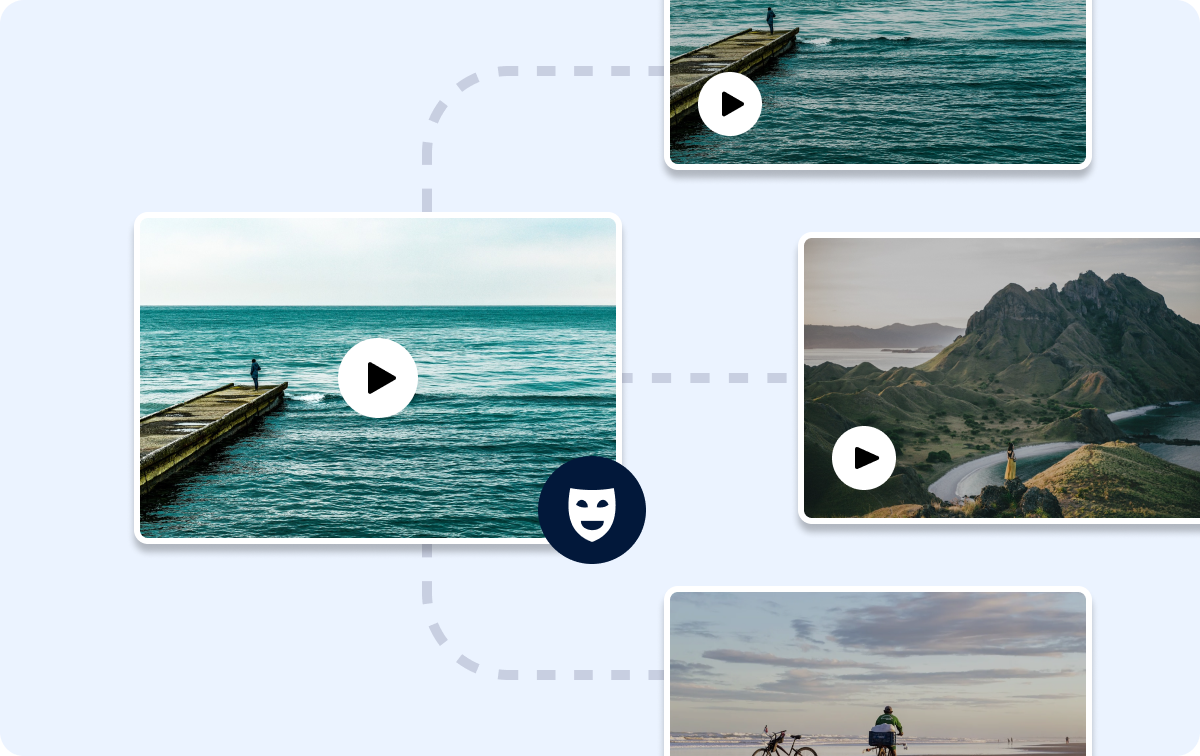
Reverse video search helps you find video source by matching the video itself, even when only a short clip is available. A reverse video lookup analyzes visual frames and audio patterns to identify reuploads, clipped segments, screen-recorded copies, and other reused versions of the same footage. This allows you to locate related posts across different websites, even if the video has been edited or shared under new accounts. A reverse video search engine is commonly used to find original video posts and see where the same content appears across the public web. Reverse video search is designed for discovery and tracking — not for video editing, playback reversal, or accessing private content.
What You Can Do with Reverse Video Search

Content Tracking
Detect where your videos are reused, reposted, or clipped across the internet. Erasa’s reverse video search analyzes visual frames to help identify unauthorized reuse early, even when videos are edited or shortened.


Find the Original Video
Trace short clips, memes, or cropped segments back to the original source or full version. Useful for identifying original uploads, confirming ownership, or understanding where a video truly comes from.


Fact-Check Videos
Check whether a video has appeared before or been taken out of context. Reverse video search helps verify authenticity by showing how the same footage appears across different platforms.

Protect Privacy
See if personal or sensitive videos are being reshared without your awareness. Use reverse video search to assess exposure risks and decide whether further action or removal is needed.
How Erasa Reverse Video Search Works

Frame-Level Visual Matching
Erasa analyzes visual frames and key regions within videos to find similar videos across the web. This allows the reverse video search engine to detect related footage even from short clips, cropped segments, or edited versions.

AI-Assisted Search with Context Signals
Beyond visual similarity, Erasa applies AI-assisted video search techniques and incorporates available public context such as titles, thumbnails, and descriptions. Combining visual and contextual signals improves matching accuracy without relying on visuals alone.

Focused Scanning Across High-Risk Platforms
Erasa scans public platforms where video reposting and unauthorized reuse most commonly occur, including TikTok, YouTube, Instagram Reels, X, Reddit, Telegram, and creator communities. This focused approach helps surface recent and relevant matches from the public web.

Clear Results with Direct Source Links
Search results include direct links to where matching videos appear online. These links help you find the source of video, verify originality, identify potential unauthorized reuse, and decide whether protection or removal should be considered.
Explore More — Choose Your Reverse Search Tool
Find the tool that matches what you need to search.
 Video SearchReverse Video SearchFind reuploads, clipped cuts, and screen-recorded versions of your videos across the public web.Explore Now →
 Face SearchReverse Face SearchSee where your face appears online — including lookalikes and AI-edited variations.Explore Now →
- Username SearchReverse Username SearchDiscover every public account using your username and spot impersonators or duplicates.Explore Now →
 Photo SearchReverse Video SearchFind where your images appear — including edited, cropped, and screenshot versions.Explore Now →
Privacy & Data Handling

Privacy-First Video Processing
Videos uploaded for reverse video search are securely processed and stored only during analysis. Once the search is complete, the video is automatically deleted. Erasa does not store, reuse, or share uploaded media or personal information.

No Access to Your Social Accounts or Private Data
Erasa does not require login credentials for TikTok, Instagram, X, or any other platform. Searches are performed without accessing social accounts, private data, messages, or restricted content.

Why an Erasa Account Is Required
An Erasa account is used only to deliver search results and manage reports. It is not used to access social media accounts or collect private platform data.

Optional Protection and Removal Support
If unauthorized reuse is detected, Erasa offers privacy and content protection options, including assistance with removal requests for publicly shared videos. Availability depends on platform policies and content visibility.
Learn More
how to check if video is copyrighted(Find the Original Source)
January 24, 2026
Why You Can’t Find Leaked Videos — And How to Detect Private Video Reposts
January 10, 2026
How to Know If Your Video Is Leaked Online (And What to Do Next)
December 23, 2025
OnlyFans Leak Websites List: Check If Your Content Is Exposed
December 13, 2025
Frequently Asked Questions
You can run a free reverse video search to check whether a video has been reused or reposted publicly.
To view the full match list, including all source links and detailed reuse locations, an Erasa account and a paid plan are required.
Yes. You can run a reverse video search on iPhone or other mobile devices directly through your browser.
Simply upload a video file or paste a public link, and the search works the same way as on desktop — no app installation required.
To check if a video is stolen, upload the video or a clip and search where the same footage appears online.
Reverse video search reveals whether the content has been reposted by other accounts, shared on different platforms, or reused without authorization, along with the public URLs where it appears.
If you only have a short clip, meme, or edited segment, you can still find original video from clip using reverse video search.
By matching visual frames and audio patterns, the system helps locate the video source, identify the original upload, and trace where the clip came from across the public web.
Reverse video search can help you understand whether a video is likely protected by copyright by showing where it first appeared and how widely it has been reused.
While it does not provide legal judgments, it helps identify original uploads, repeated reposts, and potential unauthorized use — useful signals when assessing copyright status.
See Where Your Videos Really End Up
Find reposts, edits, and accounts reusing your footage in seconds.