O que é o serviço de remoção DMCA para vazamentos OnlyFans?
Proteja seu conteúdo OnlyFans de vazamentos com o melhor serviço de remoção DMCA. Rápido, confiável e anônimo - proteja sua renda hoje.


 Detecção e Remoção de Contas Falsas
 Serviço de Remoção DMCA
 Proteção ao Criador Onlyfans
 Proteção Privada com Foto
 Remoção de Pornografia de Vingança
 Detecção de Abuso de Imagem por IA
 Para o Criador
 Para Indivíduos
 Geral
Geral Teste de Shadowban do Twitter
 Teste de Shadowban do Instagram
 Teste Tiktok Shadowban
 Ferramenta de Comparação de Plataformas de Criadores
 Verificador de Palavras Restritas do OnlyFans
 Gerador de Legendas do OnlyFans
 Blog
Blog Guias DMCA
 E-mail
 X(Twitter)
 Telegram
Verifique se suas fotos pornográficas ou privadas foram divulgadas e descubra onde elas foram reutilizadas.
Quando você começa a se preocupar que suas fotos pornográficas ou privadas possam estar circulando on-line, a parte mais difícil não é confirmar- mas Não sei onde eles acabaram, ou quão longe eles se espalharam。
Talvez estas fotos tenham sido partilhadas com um encontro.
Talvez você seja um criador e seu conteúdo premium se torne de repente familiar demais para estranhos.
De qualquer forma, as preocupações são as mesmas:Minha imagem já está lá? Em caso afirmativo, quem os utiliza e onde?
A busca reversa de imagens é geralmente o primeiro passo.
Mas se você quer respostas reais, tem que ser proposital, não adivinhação.
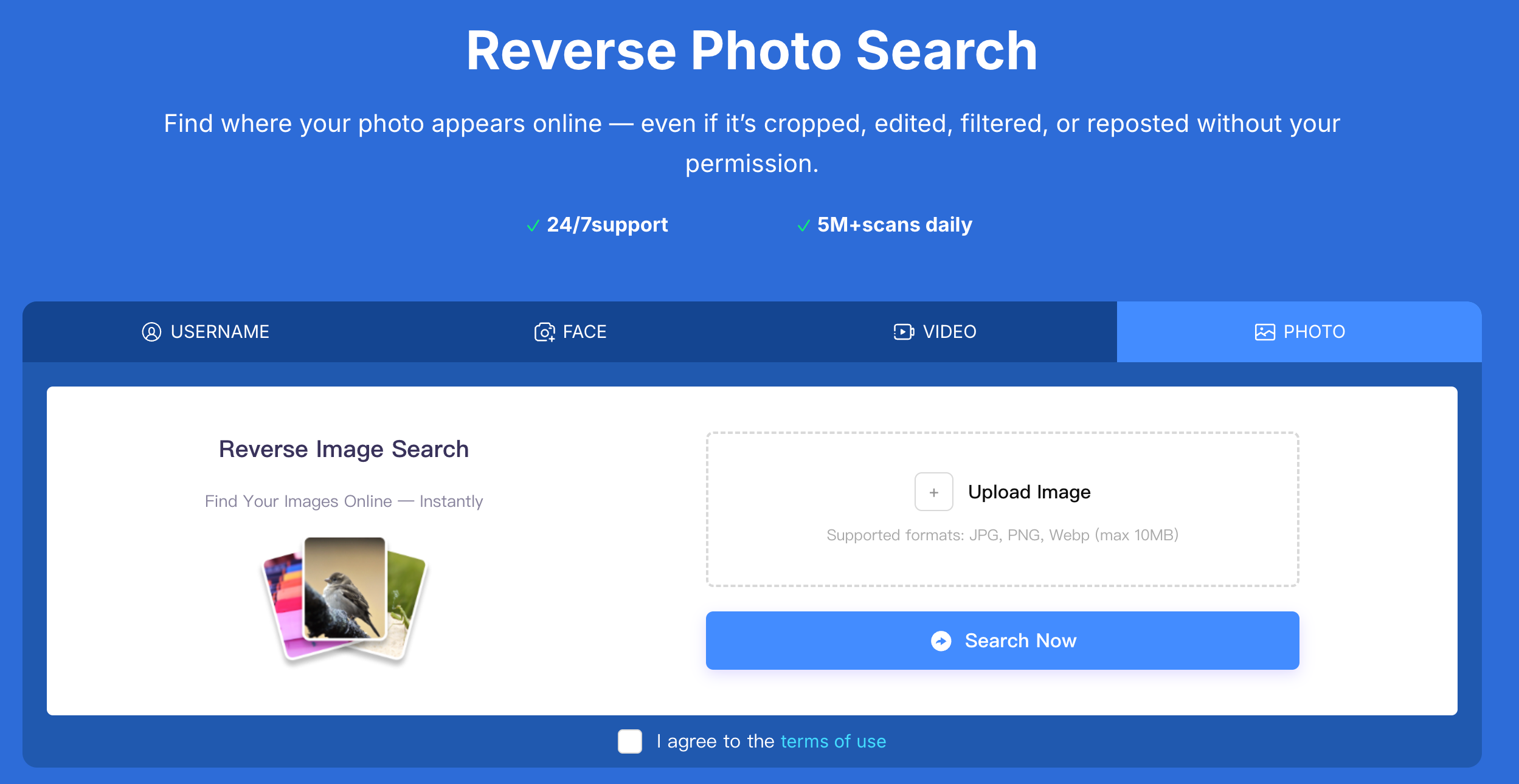
🔧 pesquisa reversa
✅ verifique se suas fotos privadas estão vazadas usando pesquisa anti-imagem no Erasa
A maioria das pessoas vê a pesquisa de imagem reversa como uma verificação única:
Faça o upload de uma imagem, navegue por alguns resultados e espere o melhor.
Esta abordagem quase sempre ignora o abuso que está ocorrendo.
O vazamento não fica no mesmo lugar.
Eles foram republicados, renomeados, agrupados, vendidos e reutilizados sob diferentes identidade.
É por isso que as pessoas lidam com vazamentos reais- especialmente os criadores- dependem de Erasa Tal sistema estruturado de busca reversa .
Em vez de "procurar resultados", mas Acompanhe onde e como seu conteúdo original é usado sem permissão。
A diferença é simples:
Uma maneira é procurar correspondência;
O outro é procurar Padrões de abuso。
Este é um dos gatilhos mais comuns.
As fotos são compartilhadas em privado.
Nunca se pretendeu torná-las públicas.
Então parece que algo está errado- mensagens desconhecidas, imagens copiadas, ou contas que você não reconhece.
Nestes casos, o vazamento é geralmente:
Quando a maioria das pessoas olham, a imagem já se moveu.
Para o criador, um vazamento raramente se parece com um post roubado.
Em vez disso, o conteúdo pode ser:
A imagem permanece a mesma- o contexto muda.
De acordo com o padrão de rastreamento real, as imagens vazadas aparecem mais frequentemente em:
Muitos desses locais não são os locais que você normalmente visitaria- é por isso que os vazamentos são muitas vezes ignorados por tanto tempo. Como fazer uma pesquisa de imagem reversa (se você realmente quer respostas)
Evite cortar, desfocar ou editar versões.
Vazamento geralmente envolve redimensionamento ou remoção de marca d'água- a imagem original dá-lhe o sinal mais forte.
Diferentes plataformas indexam diferentes partes da internet.
Não encontrar nada em um lugar não significa que a foto não se espalhou em outro lugar.
As fotos são reutilizadas- mas também:
Um rastreamento eficiente conecta esses sinais ao invés de tratar cada imagem como um caso isolado.
Depois de encontrar uma correspondência, a pergunta mais importante não é:
Ele está aí?
Eles são:
Responder a essas perguntas permite que você proteja seu conteúdo, solicite a remoção e evite abusos repetitivos.
É aqui que a busca reversa se torna uma ferramenta de proteção- não apenas uma busca.
Se você confirmar que sua foto erótica ou privada está on-line:
Um vazamento raramente é um evento único.
São processos- impedi-los requer acompanhamento.
Como verificar se minhas fotos privadas ou pornográficas estão vazando online?
O método mais confiável é fazer uma busca reversa da imagem original e verificar a existência de reutilização não autorizada em várias plataformas.
A pesquisa reversa de imagens pode encontrar fotos nuas ou explícitas vazadas?
É. Ele detecta imagens que foram postadas em sites públicos, fóruns e contas, especialmente para reutilizar a mesma foto sem permissão.
Como sei se alguém compartilhou minhas fotos privadas sem consentimento?
Os sinais incluem encontrar suas fotos sob um nome de usuário diferente, em um site desconhecido ou sendo contatado por estranhos para citar fotos que você nunca compartilhou publicamente.
Onde as fotos pornográficas vazadas são geralmente postadas?
Eles geralmente são encontrados em locais de agregação de pornografia, contas simuladas, fóruns privados e páginas de download de pacotes.
O que devo fazer se encontrar minhas fotos eróticas em outro site?
Primeiro documente as provas e, em seguida, envie um pedido de exclusão ou exclusão. Evite enfrentar diretamente o uploader, pois isso pode levar a uma maior disseminação.
A busca reversa de imagens é suficiente para parar permanentemente o vazamento de pornografia?
Este é o primeiro passo. Parar vazamentos geralmente requer monitoramento e rastreamento contínuos para capturar o conteúdo encaminhado e reutilizado.
Proteja seu conteúdo OnlyFans de vazamentos com o melhor serviço de remoção DMCA. Rápido, confiável e anônimo - proteja sua renda hoje.
Compare preços, taxas de sucesso e velocidade de Erasa, Rulta, Enforcity e mais para proteger o conteúdo vazado do OnlyFans. Modelos gratuitos e dicas privilegiadas.
Saiba como proteger seu conteúdo voltado para adultos no X (Twitter) com as ferramentas DMCA simplificadas da ERASA. Guia passo a passo + modelo gratuito.
Aprenda como remover fotos e vídeos vazados do OnlyFans de sites, resultados de busca e plataformas sociais — usando medidas comprovadas de remoção DMCA que realmente funcionam.
Preocupado com catfishing ou identidades falsas em aplicativos de namoro? Use técnicas de busca por fotos e rostos para identificar a usurpação antes que vire golpe.
Verifique onde suas fotos aparecem online usando a busca reversa por imagens. Detectar imagens repostadas ou roubadas em sites públicos e redes sociais.