Preoccupato che le tue foto porno o private siano trapelate o ripubblicate? Impara come usare la ricerca inversa per tracciare dove le immagini appaiono in rete.
Controlla se le tue foto porno o private sono trapelate - e scopri dove sono state riutilizzate.
Quando cominciate a preoccuparvi che le vostre foto porno o private circolino online, la parte più difficile non è la conferma Non sapendo dove sono finiti, o quanto si sono diffusi.
Forse le immagini sono state condivise con un partner.
Forse sei un creatore e il tuo contenuto pagato improvvisamente si sente troppo familiare agli estranei.
In entrambi i casi, la preoccupazione è la stessa:Le mie immagini sono già là fuori - e se sì, chi le usa, e dove?
La ricerca inversa delle immagini è di solito il primo passo.
Ma se si vogliono risposte concrete, bisogna farlo con intenzione, non con congetture.
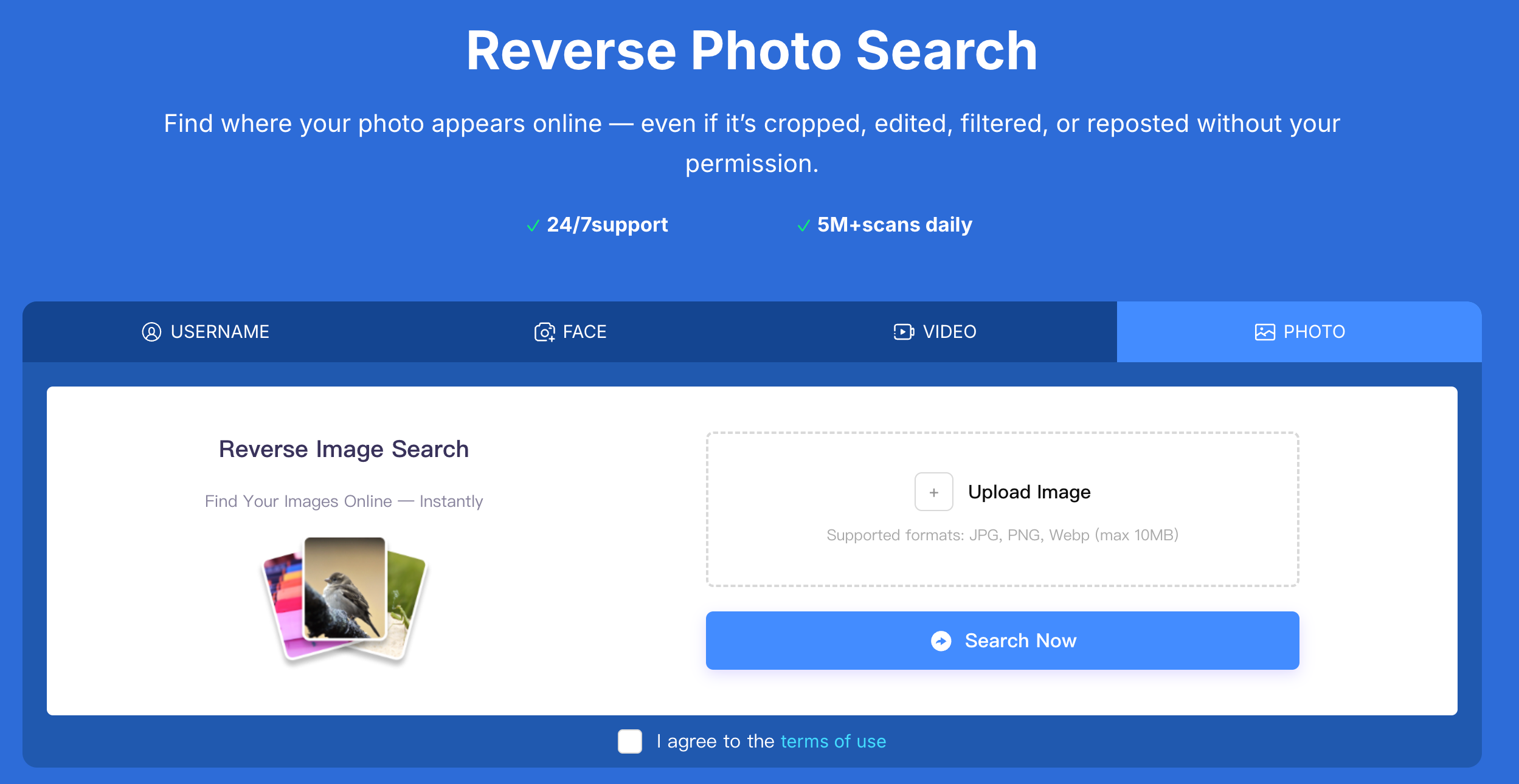
In ogni caso, la situazione è diversa
Controlla se le tue foto private sono trapelate usando una ricerca a ritroso su Erasa
Come tracciare attivamente le fughe di materiale porno o di foto Private
La maggior parte delle persone considera la ricerca inversa come un controllo una tantum:
Carica un’ immagine, lascia passare qualche risultato, e spera per il meglio.
Tale approccio trascura quasi sempre gli abusi in corso.
Le perdite non restano in un posto.
Vengono ripubblicati, rinominati, aggregati, venduti e riutilizzati sotto identità diverse.
Ecco perché le persone che hanno a che fare con fughe di notizie reali - specialmente i creatori - si affidano a sistemi strutturati di ricerca inversa come questi gomma .
Non per "sfogliare i risultati", ma per "esplorare" Traccia dove e come il loro contenuto originale viene usato senza permesso.
La differenza è semplice:
Un approccio cerca corrispondenze;
L’altra ricerca Modelli di abuso.
Due scenari nel mondo reale dove di solito inizia la perdita di porno
Dopo la fine di un rapporto privato
Questo è uno dei fattori scatenanti più comuni.
Le foto sono state condivise privatamente.
Non sono mai state fatte per essere pubbliche.
Poi qualcosa si sente spento - messaggi sconosciuti, immagini copiate, o account che non riconoscete.
In questi casi, le perdite sono spesso:
- Silenzio all’inizio
- Condivisa in piccoli cerchi
- Gradualmente reimpostati su siti pubblici
Quando la maggior parte delle persone controlla, l’immagine si è già spostata.
Quando i contenuti per adulti vengono reimpostati o rivenduti
Per i creatori, le fughe di notizie assomigliano raramente a un singolo post rubato.
Invece, il contenuto può essere:
- Recaricato sui siti di aggregazione porn
- Reimballate in "collezioni" o fasci
- Usato per eseguire account di impersonazione
- Risolvi con nomi utente diversi
L’immagine rimane la stessa - il contesto cambia.
Dove finiscono di solito delle porno trapelate o delle foto Private
Sulla base di veri schemi di tracciamento, le immagini trapelate compaiono più spesso su:
- Siti web di aggregazione di contenuti per adulti costruiti per il traffico di ricerca
- Impersonazione o mirror di account usando le stesse foto
- Forum di mercato grigio e comunità private
- "Pacchetti di contenuti" scaricabili venduti come file
- Reti di reimpostazione interpiattaforma
Molti di questi luoghi non sono luoghi che normalmente visitereste, ed è per questo che le perdite passano spesso inosservate per così tanto tempo. Come effettuare la ricerca inversa (se si vogliono effettivamente delle risposte)
Usa l’immagine esatta che ti preoccupa
Evitare le versioni ritagliate, sfocate o modificate.
Le perdite spesso comportano il ridimensionamento o la rimozione della filigrana - l’immagine originale vi dà il segnale più forte.
Non fare affidamento su un singolo motore di ricerca
Piattaforme diverse indicizzano parti diverse di internet.
Trovare niente in un posto non significa che l’immagine non stia circolando altrove.
Guarda oltre l’immagine stessa
Le foto vengono riutilizzate, ma anche:
- volti
- Nomi utente
- Impostazione motivi
Un tracciamento efficace collega questi segnali invece di trattare ogni immagine come un caso isolato.
Trovate siti web o creatori usando illegittimamente il vostro contenuto originale di pornografia
Una volta individuata una corrispondenza, le domande più importanti non sono:
E’ lì?
Sono:
- Chi lo sta usando?
- Dove altro compare?
- Si sta ancora diffondendo?
Rispondere a queste domande è ciò che ti permette di proteggere i tuoi contenuti, richiedere rimozioni e prevenire abusi ripetuti.
Qui è dove la ricerca inversa diventa uno strumento di protezione, non solo una ricerca.
Cosa fare dopo che hai confermato una fuga di notizie
Se confermare che la tua pornografia o foto private sono online:
- Salva evidenza (url, mestamp, schermate)
- Evita di contattare direttamente l’ caricatore
- Presentare richieste adeguate di rimozione o ritiro
- Continuare il monitoraggio dei repost
Le fughe di notizie sono raramente eventi isolati.
Sono processi - e fermarli richiede un follow-up.
FAQ: Reverse Image Search Porn & Private Photo Leaks
Come posso controllare se le mie foto private o pornografiche sono trapelate online?
Il modo più affidabile è quello di usare la ricerca inversa con l’immagine originale e controllare piattaforme multiple per un riutilizzo non autorizzato.
È possibile invertire la ricerca su immagini trovate nudi trapelati o foto esplicite?
Sì. Può rilevare immagini ripubblicate su siti web, forum e account pubblici, specialmente quando la stessa foto viene riutilizzata senza permesso.
Come faccio a sapere se qualcuno ha condiviso le mie foto private senza il consenso?
I segni includono la ricerca di immagini con nomi utente diversi, su siti sconosciuti, o il contatto di estranei con foto che non hai mai condiviso pubblicamente.
Dove vengono pubblicate le foto porno trapelate?
Sono comunemente reperibili su siti di aggregazione porno, account di impersonazione, forum privati e pagine di download abbinate.
Cosa devo fare se trovo le mie foto porno su un altro sito?
Prima documentare le prove, poi presentare richieste di rimozione o ritiro. Evita di affrontare direttamente l’ caricatore, in quanto potrebbe causare un’ ulteriore diffusione.
La ricerca inversa dell’immagine è sufficiente per fermare permanentemente le perdite di porno?
È il primo passo. Per fermare le perdite è necessario di solito un monitoraggio continuo e un follow-up dei repost delle catture e dei contenuti riutilizzati.




