DMCA Takedown en OnlyFans: protege tu contenido 2025
Aprende qué es un DMCA Takedown en OnlyFans, cómo funciona y cómo Erasa ayuda a eliminar filtraciones rápido con monitoreo avanzado y anonimato.


 Detección y eliminación de cuentas falsas
 Servicio de retirada DMCA
 Protección al Creador de Onlyfans
 Protección Privada con Foto
 Eliminación de pornografía de venganza
 Detección de abuso de imágenes por IA
 Para el Creador
 Para individuos
 General
 Prueba de Shadowban de Twitter
 Prueba de Shadowban de Instagram
 Prueba de Tiktok Shadowban
 Herramienta de comparación de plataformas de creadores
 Verificador de palabras restringidas de OnlyFans
 Generador de subtítulos de OnlyFans
 Blog
Blog Guías DMCA
 Correo
 X(Twitter)
 Telegram
Comprueba si tus fotos porno o privadas se filtraron y averigudónde se están reutilizando.
Cuando empiezas a preocuparte de que tus fotos porno o privadas puedan estar circulando en la red, lo más difícil no es la confirmación, sino la confirmación No saber dónde terminaron o hasta dónde se han extendido.
Tal vez las imágenes fueron compartidas con un compañero de citas.
Tal vez usted es un creador y su contenido de pago de repente se siente demasiado familiar para los extraños.
De cualquier manera, la preocupación es la misma:Mis imágenes ya están ahí - y si es así, ¿Quién las está usando, y dónde?
La búsqueda inversa de imágenes suele ser el primer paso.
Pero si quieres respuestas reales, tiene que ser hecho con la intención - no conjeturas.
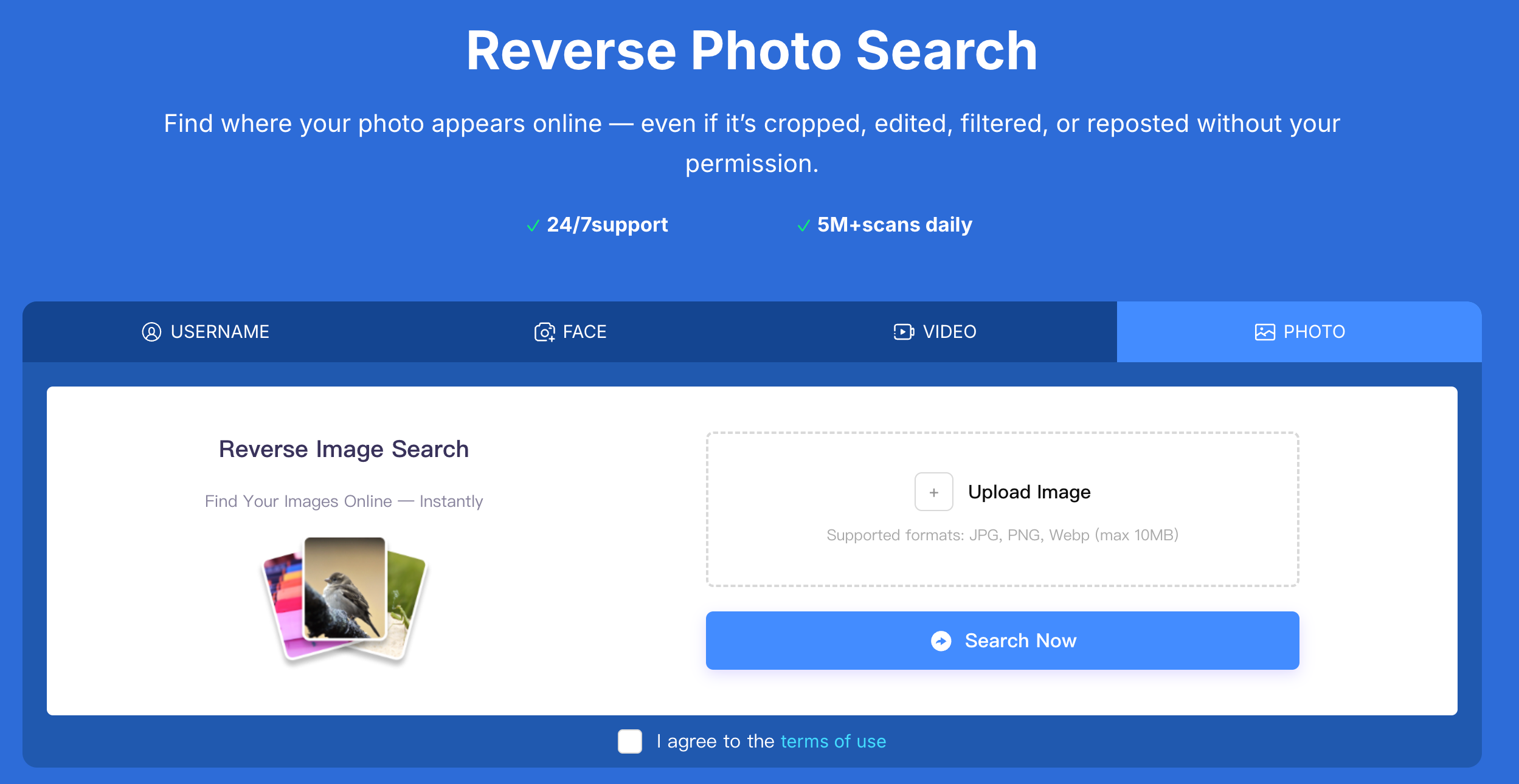
Compruebe si sus fotos privadas se filtrutilizando la búsqueda inversa de imágenes en Erasa
La mayoría de la gente trata la búsqueda inversa de imágenes como una comprobación de una sola vez:
Subir una imagen, revisar algunos resultados y esperar lo mejor.
Ese enfoque casi siempre pasa por alto el mal uso en curso.
Las fugas no se quedan en un solo lugar.
Son republic, renombradas, empaquet, vendidas y reutilizadas bajo diferentes identidades.
Es por eso que las personas que se ocupan de fugas reales - especialmente los creadores - se basan en sistemas de búsqueda inversa estructurada como Erasa .
No para "buscar resultados", sino para Rastrear dónde y cómo su contenido original se está utilizando sin permiso.
La diferencia es simple:
Un enfoque busca coincidencias;
El otro busca Patrones de abuso.
Este es uno de los desencadenmás comunes.
Las fotos fueron compartidas en privado.
Nunca fueron destinados a ser públicos.
Entonces algo se siente mal: mensajes desconocidos, imágenes copiadas o cuentas que no recono.
En estos casos, las fugas son a menudo:
Para cuando la mayoría de la gente lo comprueba, la imagen ya se ha movido.
Para los creadores, las filtrrara vez parecen un único post robado.
En su lugar, el contenido puede ser:
La imagen permanece igual - el contexto cambia.
Sobre la base de los patrones reales de seguimiento, las imágenes filtrmás a menudo aparecen en:
Muchos de estos lugares no son sitios que usted visitaría normalmente - que es porqué las fugas pasan a menudo desapercibido por tanto tiempo. Cómo debe realizarse la búsqueda inversa de imágenes (si realmente desea respuestas)
Evite las versiones recortadas, borro, o editadas.
Las fugas a menudo implican el cambio de tamaño o la eliminación de marcas de agua - la imagen original le da la señal más fuerte.
Diferentes plataformas indexdiferentes partes de internet.
No encontrar nada en un lugar no significa que la imagen no esté circulando en otro lugar.
Las fotos se reutilizan - pero también lo hacen:
El seguimiento efectivo conecta estas señales en lugar de tratar cada imagen como un caso aislado.
Una vez que encuentres un partido, las preguntas más importantes no son:
¿Está ahí?
Son:
Responder a esas preguntas es lo que le permite proteger su contenido, solicitar eliminaciones y evitar que se repita el uso incorrecto.
Aquí es donde la búsqueda inversa se convierte en una herramienta de protección - no sólo una búsqueda.
Si usted confirma que sus fotos porno o privadas están en línea:
Las filtraciones rara vez son sucesos aislados.
Son procesos - y detenerlos requiere seguimiento.
¿Cómo puedo comprobar si mis fotos privadas o porno se filtraron en línea?
La forma más fiable es utilizar la búsqueda inversa de imágenes con la imagen original y comprobar múltiples plataformas para su reutilización no autorizada.
¿Puede la búsqueda inversa de imágenes encontrar fotos filtrdesnuo explí?
Sí. Puede detectar imágenes republicadas en sitios web públicos, foros y cuentas, especialmente cuando la misma foto se reutiliza sin permiso.
¿Cómo sé si alguien compartió mis fotos privadas sin consentimiento?
Los signos incluyen encontrar tus imágenes bajo diferentes nombres de usuario, en sitios desconocidos, o ser contactado por extraños haciendo referencia a fotos que nunca compartiste públicamente.
¿Dónde se suelen publicar las fotos porno filtr?
Se encuentran comúnmente en sitios de agregación porno, cuentas de suplantación de identidad, foros privados y páginas de descarga.
¿Qué debo hacer si encuentro mis fotos porno en otra página web?
Primero documla la evidencia y luego presenta solicitudes de eliminación o retirada. Evite enfrentarse al uploader directamente, ya que puede causar una mayor propagación.
¿Es la búsqueda inversa de imágenes suficiente para detener las filtrporno de forma permanente?
Es el primer paso. Detener las fugas por lo general requiere un monitoreo y seguimiento continuo para atrapreposts y contenido reutilizado.
Aprende qué es un DMCA Takedown en OnlyFans, cómo funciona y cómo Erasa ayuda a eliminar filtraciones rápido con monitoreo avanzado y anonimato.
Comparar precios, tasas de éxito y velocidad de Erasa, Rulta, Enforcity y más para proteger el contenido filtrado de sólo fans. Plantillas gratuitas y consejos.
Aprenda cómo proteger su contenido orientado a adultos en X (Twitter) con las herramientas DMCA optimide ERASA. Guía paso a paso + plantilla gratuita.
Aprenda cómo eliminar las fotos y videos filtrde sólo fans de sitios web, resultados de búsqueda y plataformas sociales — usando pasos de eliminación de DMCA probados que realmente funcionan.
¿Le preocupa la pesca de gato o identidades falsas en aplicaciones para citas? Utilice técnicas de búsqueda de foto y cara para detectar la imitación antes de que se convierta en una estafa.
Compruebe dónde aparecen sus fotos en línea utilizando la búsqueda inversa de imágenes. Detectar imágenes republicadas o robadas en sitios web públicos y plataformas sociales.