The Short Answer — Yes, You Can Reverse Search a Face (But Not With Google)
Let’s be direct:
✔ Yes — facial reverse search is possible in 2025
✘ No — Google Images does not support facial matching
Google has publicly confirmed this. According to Google Support:
“Google Images does not support searching for people by facial recognition.” — Google Support, 2024
So when you upload a selfie, Google returns visually similar objects, colors, and scenes—but never your actual face or identity.
This is why dedicated tools exist. If your goal is to find where your face appears online, only a reverse face search system (e.g., Erasa) can do it.
Why Google (and Traditional Search Engines) Cannot Search Your Face
Reverse image search was never designed for identity detection. Here’s why.
Technical Limitations — Google Doesn’t Do Facial Embeddings
Google Images can detect:
- objects
- animals
- backgrounds
- colors
- scenery
- logos
But it does not encode or analyze:
- eye spacing
- facial geometry
- jawline shape
- cheekbone structure
- proportional features
To match a face correctly, a system must convert the face into a facial embedding—a multi-dimensional vector representing your unique features—even when lighting, angle, expression, or cropping changes.
This requires deep learning models such as FaceNet, ArcFace, VGGFace2, or MagFace.
Google Images does not use these models. Tools like Erasa Reverse Face Search do.
Legal Limitations — Facial Data Is “Sensitive Biometrics”
Under GDPR, CCPA, and global privacy laws, facial identity data is classified as highly sensitive.
Search engines intentionally avoid offering face-matching to reduce privacy violations, consent issues, stalking risks, and biometric misuse.
Real Evidence — Google Fails Even With Multiple Photos of the Same Person
Upload three selfies:
- one smiling
- one angled
- one with makeup or glasses
You’ll get three unrelated result sets.
This reflects Google’s explicit decision not to identify people.
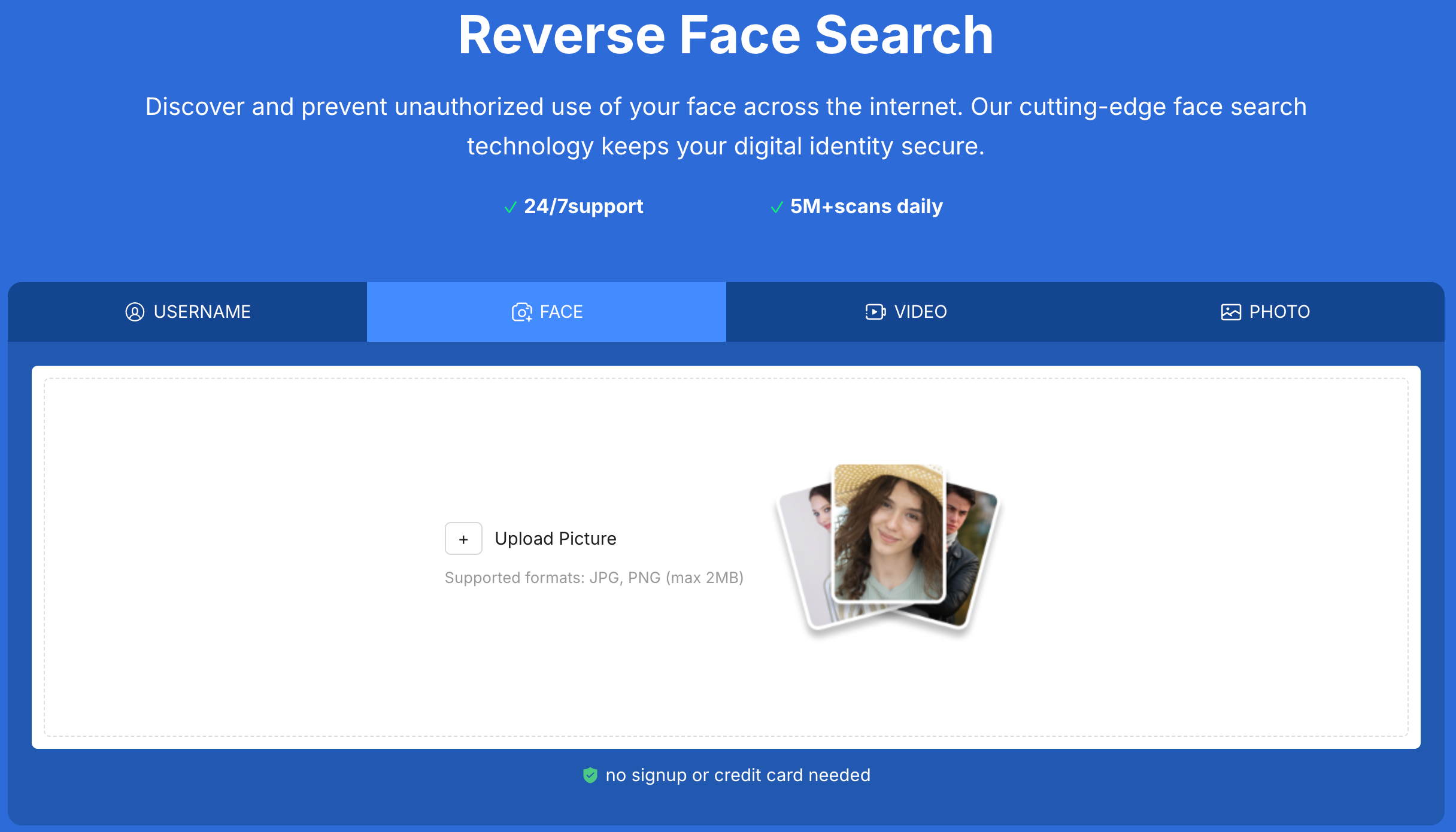
How Reverse Face Search Technology Actually Works
Reverse face search tools succeed because they use a fundamentally different approach than Google Images.
Step 1 — Your Face Is Converted Into a Facial Embedding
Every face is transformed into a unique vector based on:
- bone structure
- contours
- feature relationships
- symmetry
- spatial geometry
Even with filters or different lighting, the embedding remains stable.
Step 2 — The System Scans the Web for Facial Similarity
Tools like Erasa compare your embedding across millions of images from:
- social platforms
- public profile photos
- leaked content hubs
- deepfake repositories
- adult aggregators
- forums
- video thumbnails
Step 3 — It Detects Modified, Cropped, or Re-Uploaded Versions of Your Face
Modern facial models match:
- screenshots
- blurred images
- re-photographed screens
- AI-edited photos
- partially obstructed faces
- different expressions or angles
What Reverse Face Search Can Reveal
Reverse face search is more powerful than many people assume.
1. Impersonation and Fake Accounts
Face theft fuels:
- catfishing
- impersonation
- romance scams
- fake influencer profiles
Reverse face search exposes these patterns quickly.
2. Unauthorized Advertising or E-commerce Use
Victims often discover:
- modeling images stolen by sellers
- selfies used in promotions
- faces appearing in spam ads
- AI-generated “before/after” ads
3. OnlyFans / Fanvue / Patreon Content Leaks
Creators often find their face on:
- Telegram channels
- Reddit reposts
- adult leak sites
- paywall bypass networks
Tools like Erasa detect these cross-platform matches.
4. Deepfake and AI Face Swap Misuse
Face swaps and deepfake porn are rising.
Reverse face search helps you detect:
- synthetic videos
- deepfake porn
- AI-generated content
- manipulated selfies
Step-by-Step: How to Reverse Search a Face in 2025
Step 1 — Use a Face-Recognition Search Tool
Traditional reverse image search cannot detect identity.
You need facial similarity detection — for example, Erasa Reverse Face Search.
Step 2 — Upload a Clear Photo
A selfie or portrait works.
High resolution is not required.
Step 3 — The System Generates a Facial Embedding
Los extractos de aprendizaje profundo presentan vectores de características estables a través de:
- Los ángulos
- expresiones
- alumalum
- filtros
Paso 4 - la herramienta escanea la Web
Erasa y sistemas similares de escaneado:
- Medios sociales
- Sitios web indexados
- Imágenes en miniatura de vídeo
- foros
- Plataformas de fuga
- archivos
Paso 5 - revisar las comparaciones e indicadores de riesgo
Usted puede encontrar:
- Cuentas falsas
- leaked content
- AI-generated misuse
- stolen photos
Step 6 — Take Action
You can:
- file a DMCA
- report impersonation
- request removal
- enable ongoing monitoring
Tools like Erasa support the detection phase of this workflow.
Reverse Image Search vs Reverse Face Search
| Feature |
Google/Bing |
Reverse Face Search |
| Facial recognition |
No |
Yes |
| Matches same person across photos |
No |
Yes |
| Works on cropped/edited faces |
No |
Yes |
| Detects impersonation |
No |
Yes |
| Detects deepfake misuse |
No |
Yes |
| Designed for |
Objects/scenes |
Human faces |
Most users who need to know where their face appears online rely on tools like Erasa Reverse Face Search, which are built for identity-level detection.
What to Do If You Find Your Face Being Misused
1. Save Evidence
Screenshots, URLs, timestamps.
2. Identify the Type of Misuse
Leak? Impersonation? Scam? Deepfake?
3. File DMCA or Takedown Requests
You have legal rights under DMCA.gov.
4. Report on the Platform
Instagram, TikTok, X, and Telegram all allow impersonation reports.
5. Enable Ongoing Monitoring
Misuse often repeats — regular scanning helps detect it early.
Tools like Erasa provide discovery, scanning, and early detection.
Frequently Asked Questions
Q1: Can you reverse image search someone’s face?
Yes — but only with a facial-recognition tool, not Google.
Q2: Does Google support facial matching?
No. Google explicitly prohibits identity-based face search.
P3: ¿Es legal la búsqueda facial?
Sí, la búsqueda de imágenes públicas es legal bajo los marcos de privacidad globales.
P4: ¿Puede la búsqueda de rostros detectar caras cortadas o filtr?
Sí - el aprendizaje profundo se corresponde con la estructura facial, no con los píxeles exactos.
Q5: ¿Puede la búsqueda de cara inversa detectar deepfakes?
Puede detectar cuando su rostro aparece en contenido sintético o generado por ai.
Conclusión - sí, se puede invertir la búsqueda de una cara en 2025
Pero no con Google Images.
Si desea encontrar dónde aparece su rostro en línea, especialmente a través de cuentas de imitación, anuncios, filtro contenido deepfake, necesita detección de similitud facial a nivel de identidad.
Tools like Erasa Reverse Face Search give you a fast, privacy-safe way to scan the web and understand how your face is being used, even if the images were cropped, edited, or re-uploaded.
Puede realizar una exploración gratuita en cualquier momento con Erasa - no es necesario iniciar sesión o tarjeta de crédito.




