Compare 5 Best DMCA Takedown Services for OnlyFans Content
Compare pricing, success-rates & speed of Erasa, Rulta, Enforcity and more to protect leaked OnlyFans content. Free templates & insider tips.


 Fake Account Detection & Removal
 DMCA Takedown Service
 Onlyfans Creator Protection
 Private Photo Protection
 Revenge Porn Removal
 AI Image Abuse Detection
 For Creator
 For Individuals
 General
 Twitter Shadowban Test
 Instagram Shadowban Test
 Tiktok Shadowban Test
 Creator Platform Comparison Tool
 OnlyFans Restricted Words Checker
 OnlyFans Caption Generator
 Blog
Blog DMCA Guides
 Affiliate Program
 Email
Email X(Twitter)
 Telegram
Have your tweets suddenly stopped getting likes or reach?
This happens more often than people realize — and Twitter never tells you when it does.
If your posts no longer appear in search, or your replies are buried under “Show more replies,” you might be shadowbanned — an invisible limit that quietly hides your content.
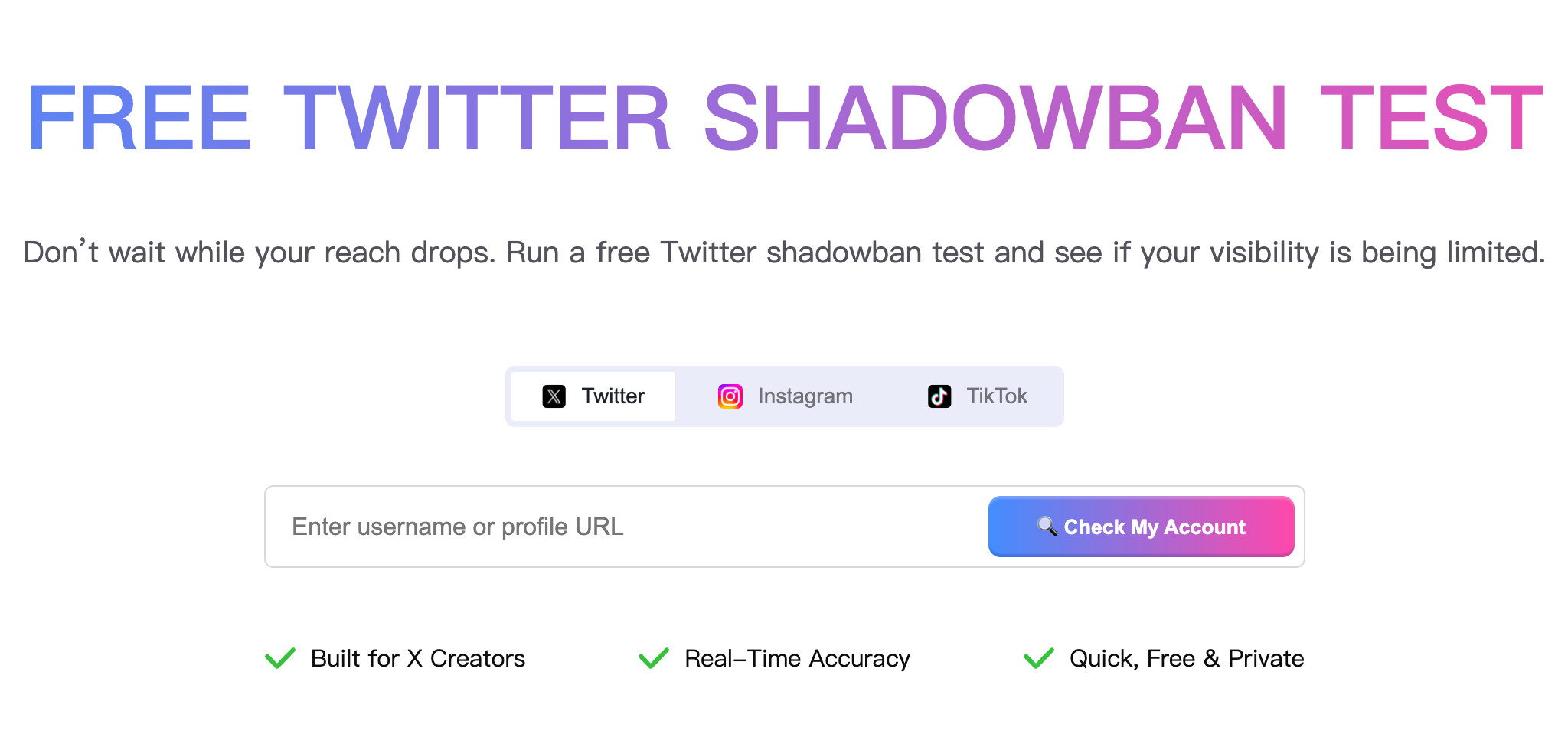
Erasa’s free Twitter Shadowban Test lets you instantly check if your account is hidden from X’s search results, suggestions, or conversations — no login, no risk, 100 % privacy-safe.
Thousands of creators already use it to understand and fix their visibility issues.
A Twitter (X) shadowban means your account is technically active but your visibility is reduced across the platform — in searches, hashtags, or threads.
It’s not a suspension; you’ll never be notified. You’ll just see your reach quietly collapse.
Shadowbans are the result of Twitter’s ranking and safety filters. When certain behaviors look spam-like or violate policies, the system temporarily limits exposure.
That’s why many users search “am I shadowbanned on Twitter?” — because it feels like yelling into the void.
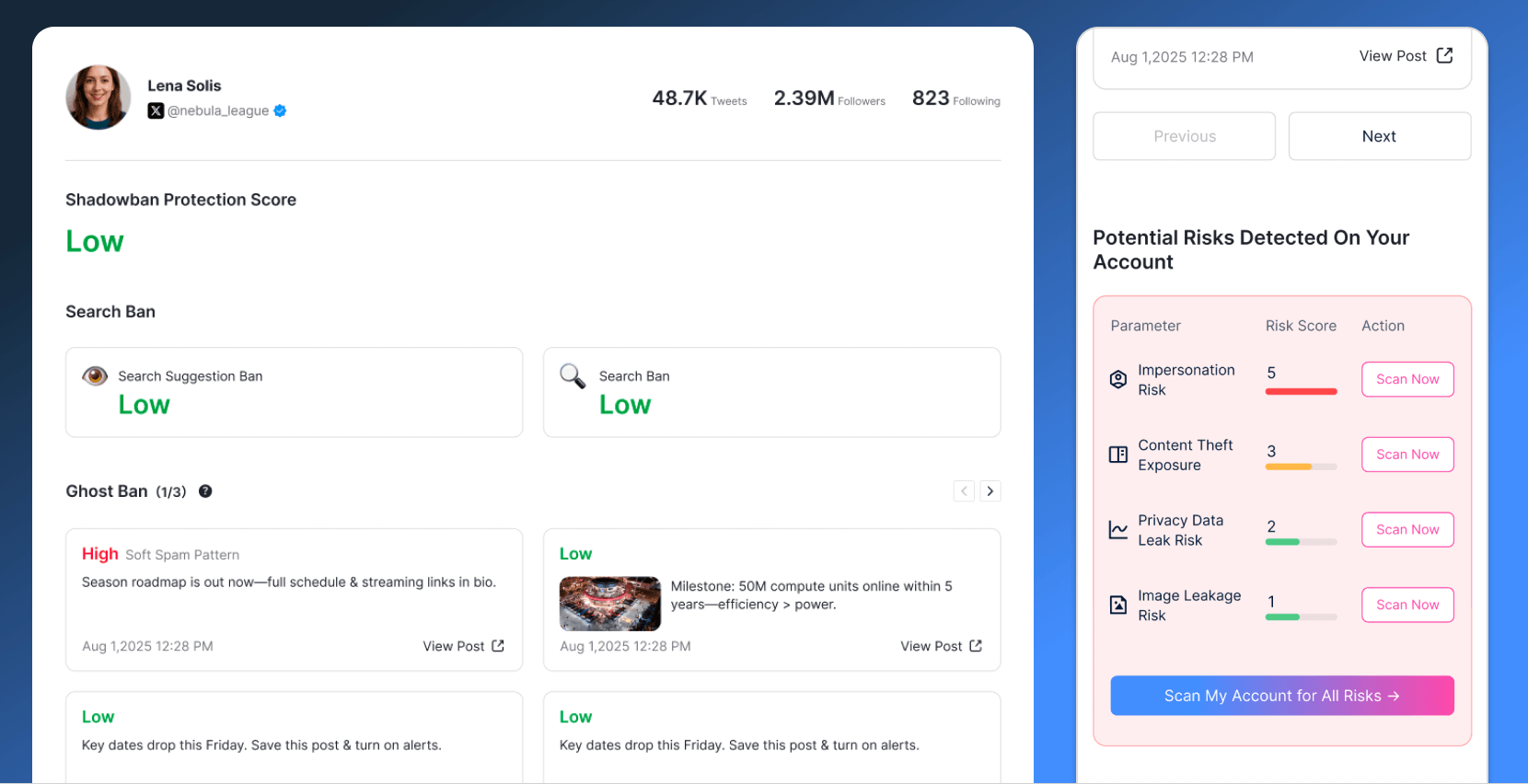
Erasa simulates how your profile and tweets appear to people who don’t follow you.
It checks three live discovery signals:
There’s no official “shadowban API,” but Erasa analyzes these real signals in real time — the same way the public sees you.
All tests are read-only and privacy-safe.
➡️ Run a Free Twitter Shadowban Test →
Before looking at symptoms, it helps to know why it happens.
Common triggers in 2025 include:
Example:
A gaming creator saw her engagement drop by 80 % overnight.
After using Erasa’s test, she learned her replies were hidden under “Show more replies.”
By removing automated posts and slowing her retweets, her visibility fully recovered within a week.
If even you can’t find your own tweets, you’re likely under a Search Ban.
Twitter’s algorithm may hide your posts from public search when it detects automation or excessive repetition.
Quick Fix
When others type your handle but your profile doesn’t appear in type-ahead / People search, that’s usually a Search Suggestion Ban.
Typical causes
Fix
Simplify your bio, keep one main link, slow down follow activity, and re-test in a few days.
If your comments appear only after “Show more replies,” you’re facing Reply Deboosting — Twitter’s way of lowering reply visibility from low-trust accounts.
What helps
Run the test again to confirm when your replies start resurfacing.
The good news? Most Twitter shadowbans are temporary, lasting from 24 hours to about two weeks.
Once you change the triggering behavior, visibility usually returns automatically.
Three-step recovery plan
Re-check your status with Erasa every few days to track improvement.
Yes — completely safe.
Erasa is a read-only visibility checker:
Because it mirrors real-time discovery signals, you get the clearest picture of how your tweets truly appear to others.
1. Does Twitter still shadowban users in 2025?
Yes. X avoids the term, but still uses visibility filtering that behaves the same way.
2. How can I tell if I’m shadowbanned for sure?
Run Erasa’s free twitter shadowban test — it checks search, suggestions, and replies simultaneously.
3. How long does recovery take?
Usually 48 hours – two weeks, depending on severity.
4. Can hashtags or sensitive labels cause this?
Over-using banned hashtags or skipping sensitive-media tags can limit reach.
5. Why do my tweets say “This post is unavailable”?
That phrase often signals limited visibility or a filtered-out tweet due to safety settings.
6. Can shadowbanning affect hashtags or trending topics?
Yes — your posts may vanish from hashtag pages even though they appear on your timeline.
7. Will deleting tweets lift the ban faster?
Only if those tweets were flagged or reported; random deletions rarely help.
8. Is it safe to test multiple times?
Completely. Erasa never logs data or touches your account.
Shadowbans don’t just happen on X.
Creators often face similar visibility drops elsewhere.
Try Erasa’s free tools for a complete check:
Want to dive deeper into causes and recovery steps?
Read our guide: Why Am I Shadowbanned on Twitter (X)?
Being shadowbanned is frustrating — you’re still posting, but nobody sees you.
With Erasa’s Twitter Shadowban Tester, you can instantly reveal what’s limiting your reach, fix the root causes, and verify recovery — all for free, all privacy-safe.
➡️ Run a Free Twitter Shadowban Test Now →
Then re-check in a few days to see how your visibility improves.
Compare pricing, success-rates & speed of Erasa, Rulta, Enforcity and more to protect leaked OnlyFans content. Free templates & insider tips.
Learn how to protect your adult-oriented content on X (Twitter) with ERASA’s streamlined DMCA tools. Step-by-step guide + free template.
OnlyFans creators use DMCA takedowns to fight leaks — but they don’t always work. This guide explains when DMCA takedowns are effective, where they fail, and how creators handle repeated leaks in practice.
Learn how to remove leaked OnlyFans photos and videos from websites, search results, and social platforms—using proven DMCA takedown steps that actually work.
Worried about catfishing or fake identities in dating apps? Use photo and face search techniques to spot impersonation before it turns into a scam.
Stop image theft now. Use our professional duplicate photo finder to search for duplicate pictures across the web and social media. Detect reuploads and protect your work today.