Compare 5 Best DMCA Takedown Services for OnlyFans Content
Compare pricing, success-rates & speed of Erasa, Rulta, Enforcity and more to protect leaked OnlyFans content. Free templates & insider tips.


 Fake Account Detection & Removal
 DMCA Takedown Service
 Onlyfans Creator Protection
 Private Photo Protection
 Revenge Porn Removal
 AI Image Abuse Detection
 For Creator
 For Individuals
 General
 Twitter Shadowban Test
 Instagram Shadowban Test
 Tiktok Shadowban Test
 Creator Platform Comparison Tool
 OnlyFans Restricted Words Checker
 OnlyFans Caption Generator
 Blog
Blog DMCA Guides
 Affiliate Program
 Email
Email X(Twitter)
 Telegram
You upload a photo, and then you see it somewhere else—on a shady website, under a fake social media profile, or being used to sell products without your consent. At that point, the question isn't just about a "similar" look. It’s about whether the exact photo has been reused to harm your reputation or steal your income.
Finding where your images are being used is the first step in reclaiming your digital identity. This guide explores how to use a professional duplicate photo finder to scan the public internet, detect duplicate photos, and take decisive action.
Finding duplicate photos across the web is not the same as cleaning up files on your phone. Local apps scan for blurry or identical files in your storage, but an online search for duplicate pictures starts with the image's unique digital footprint.
The goal is to track where the same file—even if it has been resized, cropped, or slightly filtered—appears on public websites and forums. This process is essential for:
Traditional search engines rely on metadata or filenames, but people who steal images often change these to avoid detection. Professional tools use AI-powered visual matching:
Most people try Google Lens or Yandex first. While helpful for identifying a breed of dog or a pair of shoes, these tools are designed for discovery, not protection.
When you detect duplicate photos, you will likely find them in three main areas:
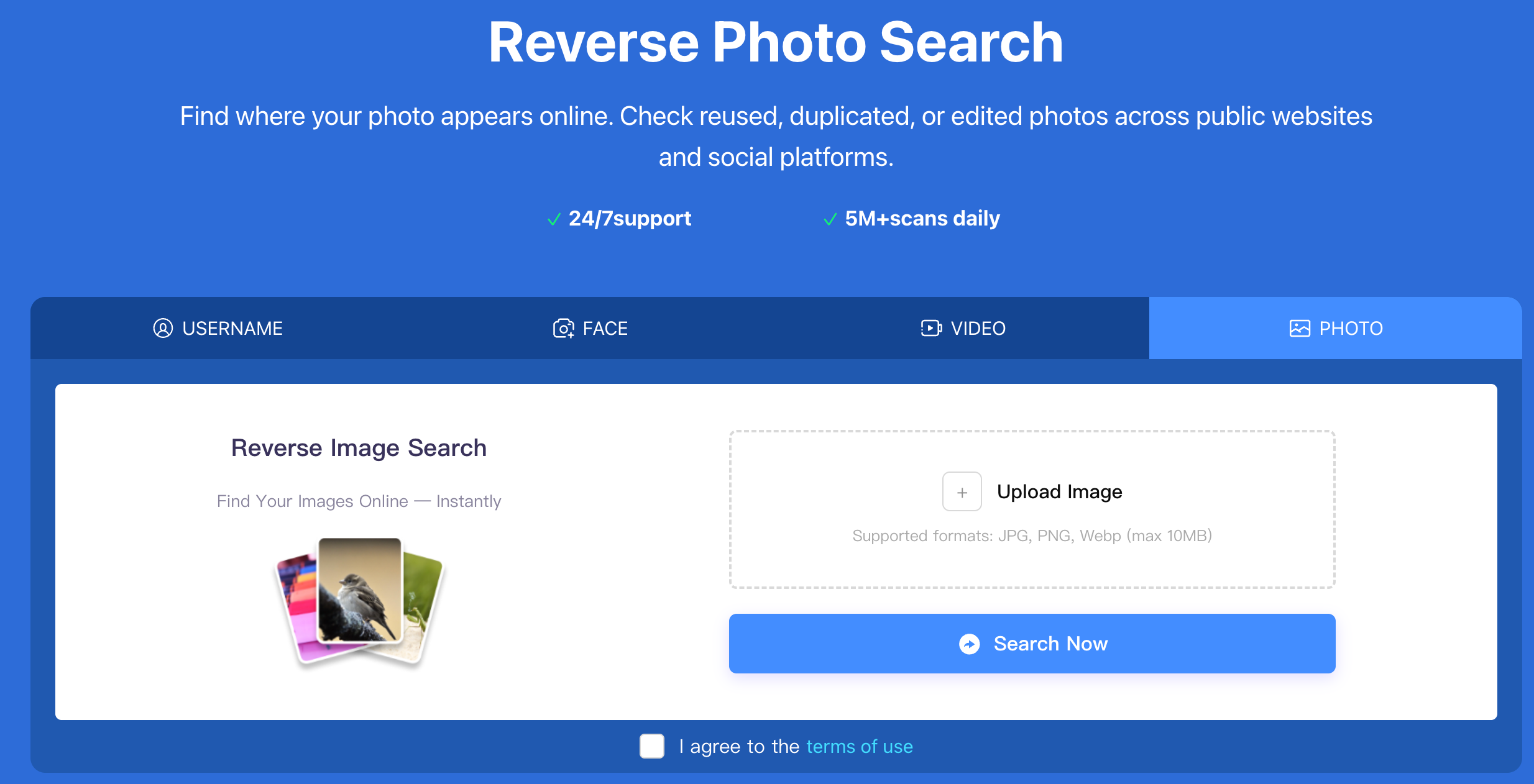
Once you search for duplicate pictures and find unauthorized copies, the next steps are critical:
Unlike tools that only show you the problem, Erasa provides an all-in-one workflow. It doesn't just help you find the images; it automates the DMCA takedown process to ensure those duplicates are removed from the web permanently.
How can I see if someone is using my photos on social media?
The most effective method is using a duplicate photo finder that supports social media scanning. By uploading your photo, you can find public profiles and posts that are using your face or content.
Is it possible to find photos that have been cropped or edited?
Yes. Advanced AI-based reverse photo search can identify "near-duplicates." This means even if a thief adds a filter, crops out a watermark, or resizes the image, the tool can still find a match.
What should I do if my private photos are leaked?
First, do not panic or engage with the site. Use a professional tool to find all instances of the leak, then use a DMCA-backed service to request their immediate removal.
Compare pricing, success-rates & speed of Erasa, Rulta, Enforcity and more to protect leaked OnlyFans content. Free templates & insider tips.
Learn how to protect your adult-oriented content on X (Twitter) with ERASA’s streamlined DMCA tools. Step-by-step guide + free template.
OnlyFans creators use DMCA takedowns to fight leaks — but they don’t always work. This guide explains when DMCA takedowns are effective, where they fail, and how creators handle repeated leaks in practice.
Learn how to remove leaked OnlyFans photos and videos from websites, search results, and social platforms—using proven DMCA takedown steps that actually work.
Worried about catfishing or fake identities in dating apps? Use photo and face search techniques to spot impersonation before it turns into a scam.
Stop image theft now. Use our professional duplicate photo finder to search for duplicate pictures across the web and social media. Detect reuploads and protect your work today.