Compare 5 Best DMCA Takedown Services for OnlyFans Content
Compare pricing, success-rates & speed of Erasa, Rulta, Enforcity and more to protect leaked OnlyFans content. Free templates & insider tips.


 Fake Account Detection & Removal
 DMCA Takedown Service
 Onlyfans Creator Protection
 Private Photo Protection
 Revenge Porn Removal
 AI Image Abuse Detection
 For Creator
 For Individuals
 General
 Twitter Shadowban Test
 Instagram Shadowban Test
 Tiktok Shadowban Test
 Creator Platform Comparison Tool
 OnlyFans Restricted Words Checker
 OnlyFans Caption Generator
 Blog
Blog DMCA Guides
 Affiliate Program
 Email
Email X(Twitter)
 Telegram
On social media and dating apps, everything can look normal at first. The photos seem real. The conversations feel natural. The profile doesn’t raise any obvious red flags — except for a quiet doubt you can’t fully explain.
When that happens, the most important question is often the simplest one:
Is this photo actually theirs?
This guide focuses on one thing only — how to check whether a social media photo has been stolen or reused, and how to interpret what you find without jumping to the wrong conclusion.
In catfish cases, a “stolen photo” doesn’t always mean a blatant copy from Google Images.
It usually falls into one of these patterns:
On social media, this is especially hard to spot because photos often look casual, personal, and believable — even when they don’t belong to the person using them.
Understanding this matters, because catfish accounts don’t rely on obviously fake images. They rely on borrowed authenticity.
The most direct way to verify a suspicious photo is reverse photo search.
Instead of guessing whether the image feels “off,” reverse search lets you check whether that same photo — or a very similar version — appears elsewhere online.
With tools like Erasa Reverse Search, you can upload a photo or face and see where that image shows up across the internet. The goal isn’t technical analysis. It’s visibility.
If the same photo appears:
You can usually tell immediately that the photo isn’t exclusive to the account you’re talking to.
This removes guesswork. You’re no longer relying on intuition — you’re checking evidence.
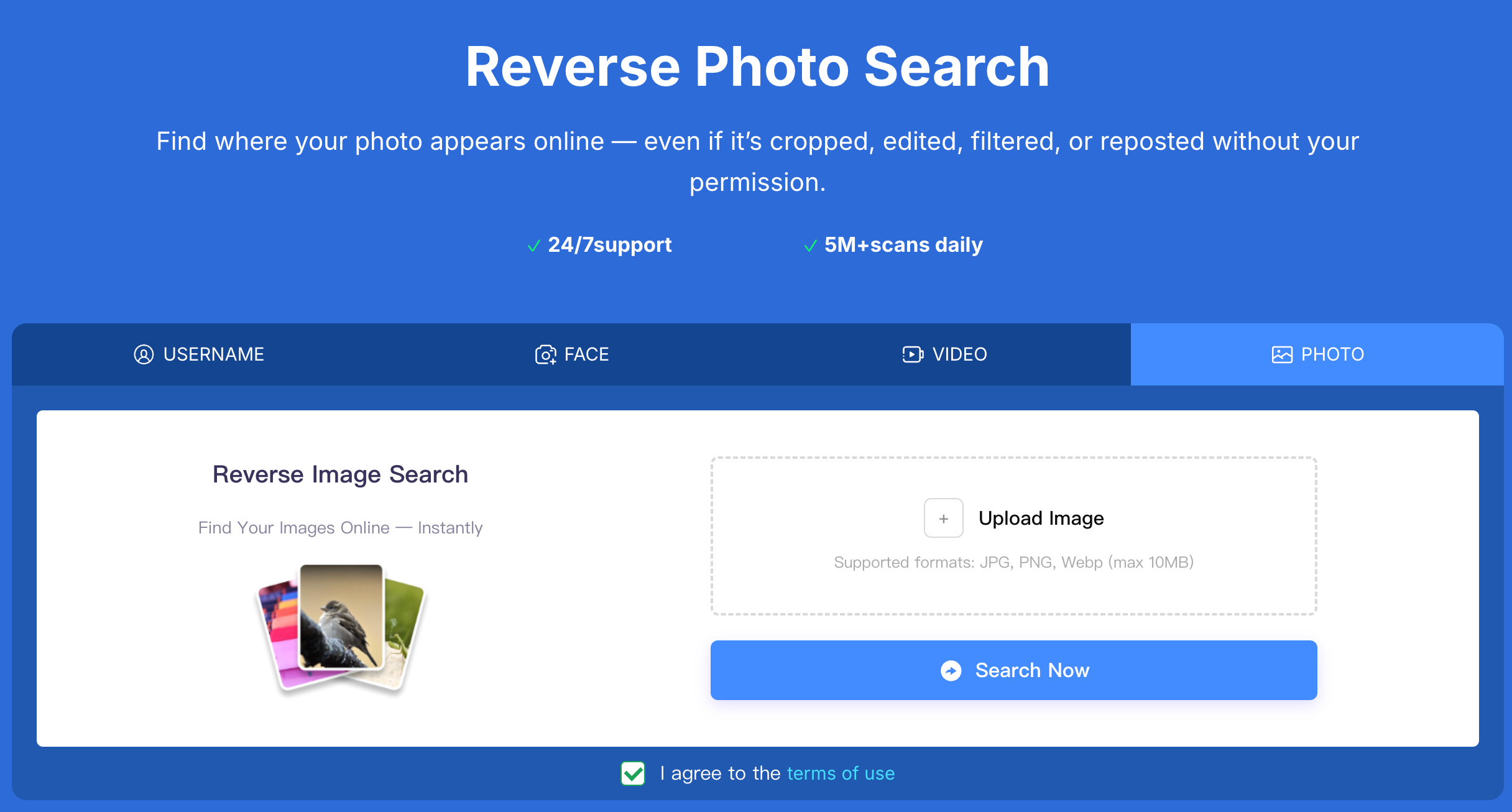
Seeing results is only half the process. The real question is how to read them correctly.
Here’s how to interpret what you find:
These patterns strongly suggest the photo is being reused.
These don’t automatically mean the photo is stolen, but they do warrant closer attention.
A clean search doesn’t guarantee authenticity. Some images are newly stolen, lightly altered, or shared in places that aren’t publicly indexed. Results should always be interpreted together with account behavior and consistency.
The key is not “Did I find something?”
The key is whether the photo’s presence online makes sense.
Reverse photo search for social media isn’t about finding exact duplicates only.
It works by identifying visual similarities — even when images are cropped, resized, filtered, or reused as screenshots. This is especially important in catfish cases, where photos are often slightly altered to avoid obvious matches.
When using Erasa for this purpose:
This matters because verifying a photo should never require giving up your own privacy or access credentials.
A stolen or reused photo alone is already a warning sign. But suspicion becomes stronger when it appears together with other patterns.
Pay close attention when you see combinations like:
Catfish behavior usually isn’t defined by one mistake. It’s defined by patterns that don’t hold up under basic verification.
Identifying a catfish account doesn’t require special instincts. It requires clear verification.
Checking whether a photo has been reused elsewhere is often the fastest way to move from uncertainty to clarity — without confrontation, guessing, or unnecessary risk.
If you need a clearer view of where a photo or face appears online, a dedicated catfish finder with photo and face search can help you understand the situation before deciding what to do next.
Can a photo be stolen even if it looks personal or casual?
Yes. Many stolen photos come from real people’s personal social media accounts and are reused without context.
Is finding the same photo on multiple accounts always a red flag?
In most cases, yes — especially when the identities and platforms don’t logically connect.
What if reverse search shows no results at all?
That doesn’t guarantee the photo is real. Some reused images are new or shared in limited spaces.
Are public or influencer photos commonly used by catfish?
Very often. Public images are easy to reuse and harder for victims to trace without verification tools.
Compare pricing, success-rates & speed of Erasa, Rulta, Enforcity and more to protect leaked OnlyFans content. Free templates & insider tips.
Learn how to protect your adult-oriented content on X (Twitter) with ERASA’s streamlined DMCA tools. Step-by-step guide + free template.
OnlyFans creators use DMCA takedowns to fight leaks — but they don’t always work. This guide explains when DMCA takedowns are effective, where they fail, and how creators handle repeated leaks in practice.
Learn how to remove leaked OnlyFans photos and videos from websites, search results, and social platforms—using proven DMCA takedown steps that actually work.
Worried about catfishing or fake identities in dating apps? Use photo and face search techniques to spot impersonation before it turns into a scam.
Stop image theft now. Use our professional duplicate photo finder to search for duplicate pictures across the web and social media. Detect reuploads and protect your work today.