Compare 5 Best DMCA Takedown Services for OnlyFans Content
Compare pricing, success-rates & speed of Erasa, Rulta, Enforcity and more to protect leaked OnlyFans content. Free templates & insider tips.


 Fake Account Detection & Removal
 DMCA Takedown Service
 Onlyfans Creator Protection
 Private Photo Protection
 Revenge Porn Removal
 AI Image Abuse Detection
 For Creator
 For Individuals
 General
 Twitter Shadowban Test
 Instagram Shadowban Test
 Tiktok Shadowban Test
 Creator Platform Comparison Tool
 OnlyFans Restricted Words Checker
 OnlyFans Caption Generator
 Blog
Blog DMCA Guides
 Affiliate Program
 Email
Email X(Twitter)
 Telegram
If you’re wondering how to check if a video is copyrighted, here’s the truth upfront:
If you didn’t record the video yourself, it’s almost certainly copyrighted.
What you’re really checking is who owns it and whether you can get permission to use it.
Here’s the fastest, clearest way to figure that out.
Today, one of the most accurate ways to check whether a video is copyrighted is to trace where the video originally came from using AI-powered tools.
Most people start with Google search, but Google results are often messy.
You’ll usually see reposts, embeds, and unrelated pages — which makes it hard to tell who actually owns the video.
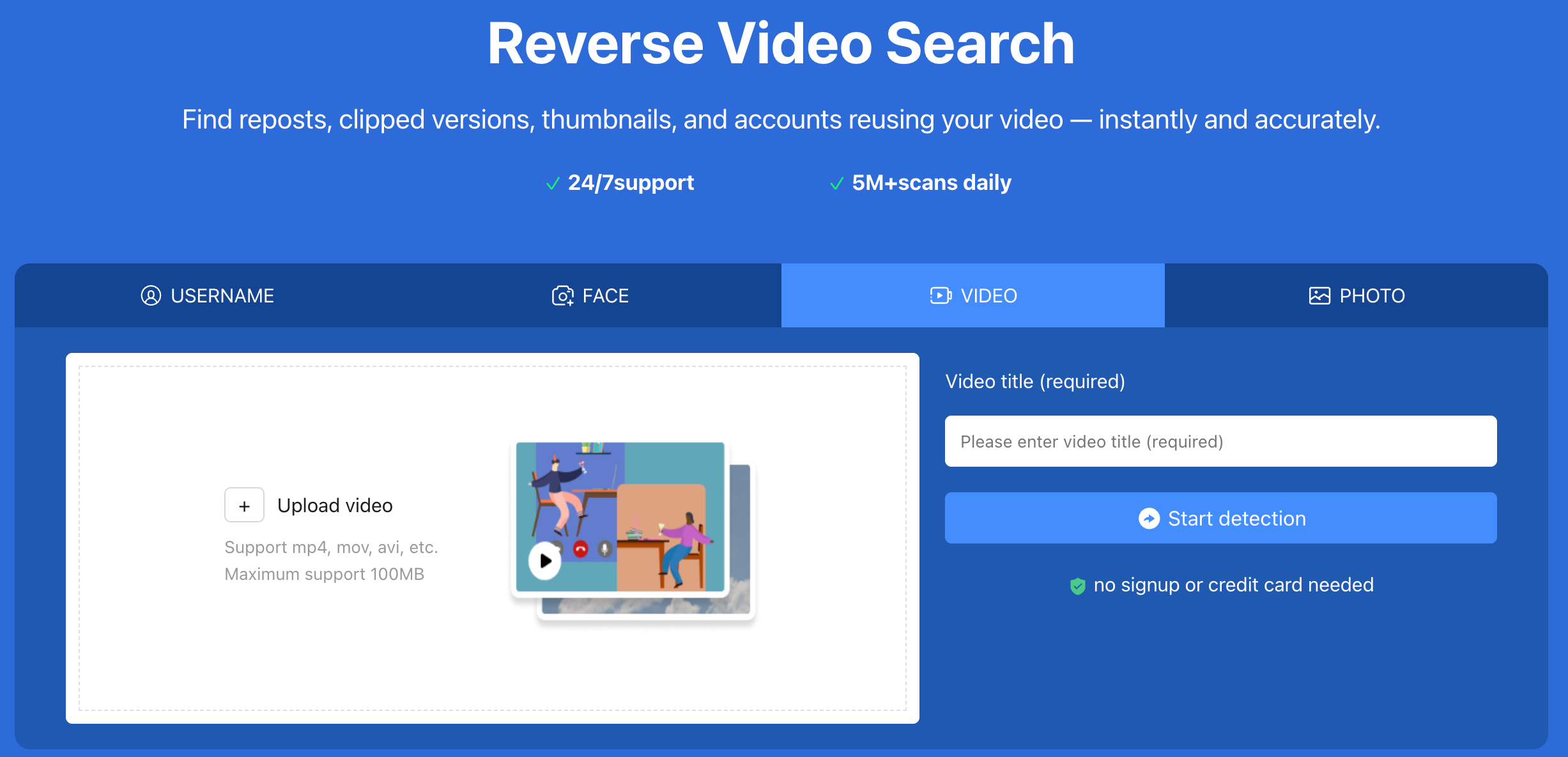
A more reliable approach is to use reverse video search, such as the tool provided by Erasa.
Reverse video search analyzes the video itself and shows:
Once you find the original source, you can:
This turns a vague copyright guess into a clear, actionable answer.
Google is useful, but only to a point.
Google can show where the video appears.
If the video appears in many places, Google alone won’t tell you who owns it.
Before you reuse any video, ask:
Is this uploader clearly the original creator?
If you can’t confidently say “yes, this person made it”,
assume the video is copyrighted.
This is the step that actually helps you find original video sources instead of guessing.
Instead of searching by words, reverse video search looks at the video itself.
This makes it much easier to spot where the video actually started.
When a video goes viral, you’ll often see:
That’s why copyright is hard to judge with search alone.
Reverse video search fixes this by showing:
Once you know the original source, you’re no longer guessing.
You don’t need the technical details — just this:
That’s why it still works when:
After you find the original source:
This is how you reuse videos without risking takedowns or copyright claims.
You don’t need to check everything.
Automatically assume copyright if the video includes:
If it’s not clearly yours, treat it as protected.
Yes. The most practical way is to check where the content originally came from.
If you didn’t create it yourself, it’s usually copyrighted by default. To verify ownership, you can search for the original source and confirm who published it first.
TikTok does not clearly show copyright ownership.
A video may be copyrighted even if there’s no label or watermark. The safest way is to find the original video source and see whether the TikTok upload is a repost of someone else’s content.
Yes, in many cases.
Edited videos — such as cropped clips, shortened versions, or screen recordings — often still match the original footage. By comparing visual frames, it’s possible to detect whether a video is a modified version of an existing one.
Reverse video search can also help you:
Compare pricing, success-rates & speed of Erasa, Rulta, Enforcity and more to protect leaked OnlyFans content. Free templates & insider tips.
Learn how to protect your adult-oriented content on X (Twitter) with ERASA’s streamlined DMCA tools. Step-by-step guide + free template.
OnlyFans creators use DMCA takedowns to fight leaks — but they don’t always work. This guide explains when DMCA takedowns are effective, where they fail, and how creators handle repeated leaks in practice.
Learn how to remove leaked OnlyFans photos and videos from websites, search results, and social platforms—using proven DMCA takedown steps that actually work.
Worried about catfishing or fake identities in dating apps? Use photo and face search techniques to spot impersonation before it turns into a scam.
Stop image theft now. Use our professional duplicate photo finder to search for duplicate pictures across the web and social media. Detect reuploads and protect your work today.