Compare 5 Best DMCA Takedown Services for OnlyFans Content
Compare pricing, success-rates & speed of Erasa, Rulta, Enforcity and more to protect leaked OnlyFans content. Free templates & insider tips.


 Fake Account Detection & Removal
 DMCA Takedown Service
 Onlyfans Creator Protection
 Private Photo Protection
 Revenge Porn Removal
 AI Image Abuse Detection
 For Creator
 For Individuals
 General
 Twitter Shadowban Test
 Instagram Shadowban Test
 Tiktok Shadowban Test
 Creator Platform Comparison Tool
 OnlyFans Restricted Words Checker
 OnlyFans Caption Generator
 Blog
Blog DMCA Guides
 Affiliate Program
 Email
Email X(Twitter)
 Telegram
A practical guide to verifying photos and spotting fake identities
Most catfish profiles don’t look suspicious at first glance anymore.
They don’t use obviously stolen celebrity photos. They don’t have broken English. Some even share daily updates, voice messages, or casual selfies. What they rely on isn’t a single fake detail, but just enough plausibility to keep you from checking too closely.
That’s why reverse image search is still one of the first things people reach for when something feels off.
Not because it gives instant answers — but because it’s one of the few ways to step outside the story you’re being told and look at the image itself.
This guide focuses specifically on how reverse image search is used in catfish situations, how to do it properly, and how to understand the results without jumping to the wrong conclusions.
Reverse image search doesn’t “identify” a person.
What it does is much simpler — and much more useful in catfish cases.
It shows where the same image, or visually similar versions of it, appear elsewhere online. That includes older uploads, reused profile photos, stock images, or pictures tied to completely different names and identities.
In catfish detection, this matters because fake profiles almost always reuse images in one of three ways:
Reverse image search helps surface those patterns.
What it can’t do is confirm someone’s real name, intentions, or honesty. It gives you evidence, not verdicts — and that distinction matters.
People usually turn to reverse image search after noticing small inconsistencies.
Maybe the photos feel too polished. Maybe the timeline doesn’t add up. Maybe the person avoids video calls, or their stories change slightly over time.
In catfish scenarios, reverse image search is typically used to answer very specific questions:
Sometimes the result is obvious — the same photo linked to a completely different profile. Other times, it’s more subtle: the image appears on an old forum post, a modeling site, or a foreign-language profile that predates the current account.
Even when nothing conclusive appears, the absence of results can still be informative — depending on the situation.
If you’re checking a profile because you suspect someone might be a catfish, reverse image search is one of the most effective ways to verify who you’re really dealing with. Tools like Erasa Reverse Image Search are built for exactly this situation.
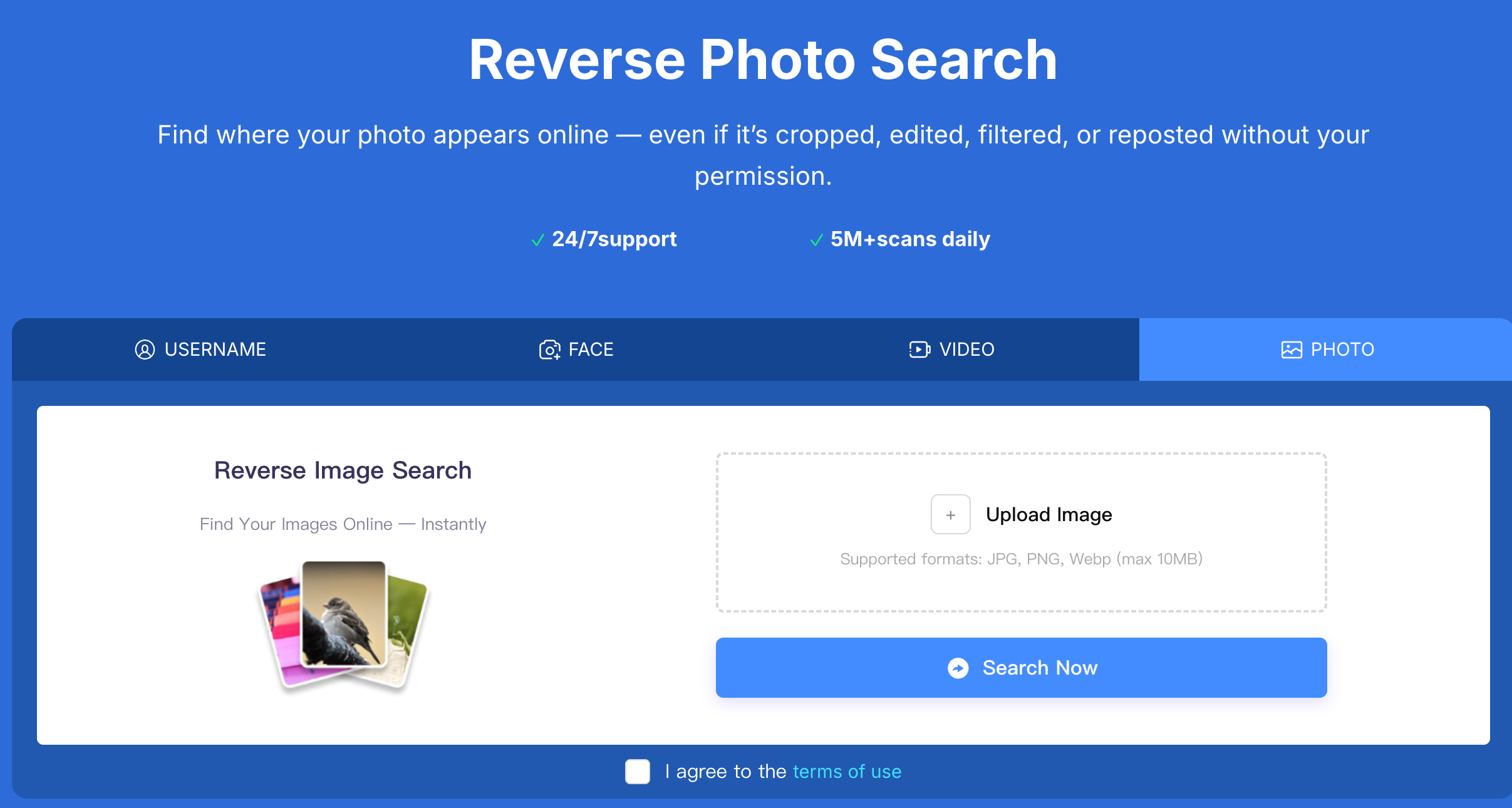
You can upload the photo the person is using — for example, their profile picture or a face image they shared in chat. Even if the image has been cropped, compressed, or lightly edited, Erasa can still analyze it and search for where the same image (or visually similar versions) appears elsewhere online.
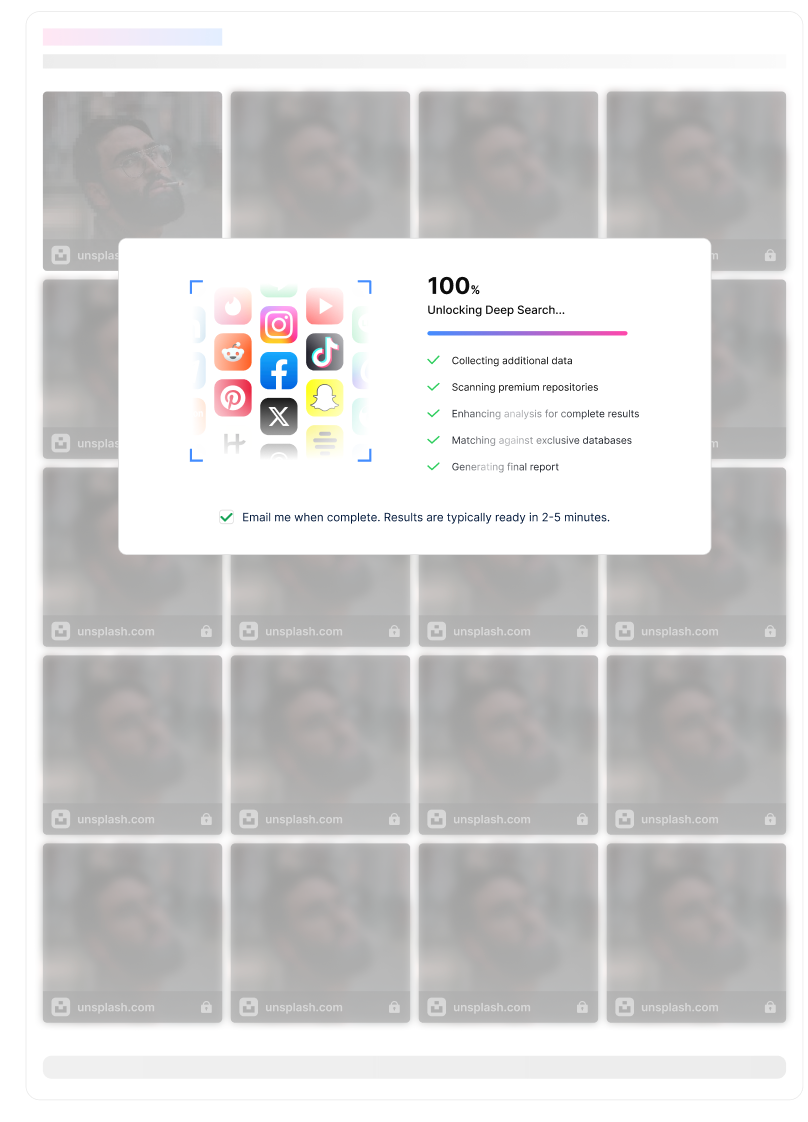
Once the image is uploaded, Erasa shows whether that photo has been used on other accounts, websites, or platforms. This matters because catfish accounts rarely use original photos. Most scammers reuse publicly available images, avatars, or videos they’ve saved from other profiles to create a fake identity.
If the same image shows up under different names, on unrelated accounts, or in places that don’t match the person’s story, that’s a strong sign the identity is not genuine. In catfish cases, it’s often this kind of image reuse — not the photo itself — that reveals the deception.
This is where many people go wrong.
Seeing a photo appear elsewhere online doesn’t automatically mean someone is a catfish. Public figures, content creators, and even ordinary users often reuse the same images across platforms.
What does matter is how the image is being used.
If the same face appears under different names, with different personal details, or in contexts that clearly predate the current profile, that’s worth paying attention to. If an image shows up in stock photo libraries, modeling portfolios, or unrelated websites, it raises different questions than a casual repost.
On the other hand, a lack of results doesn’t guarantee authenticity. New accounts, private profiles, and heavily edited images often don’t surface in general searches — especially on social platforms.
Reverse image search is best used as a way to narrow uncertainty, not eliminate it entirely.
Most general image search engines are built to index public websites, not private or semi-private social content.
That’s why catfish profiles that rely on lightly edited selfies, cropped images, or platform-specific uploads often slip through basic searches. The photo may exist elsewhere, but not in places those systems can easily access.
This limitation becomes more noticeable when you’re dealing with accounts that reuse images across dating apps, messaging platforms, or newly created social profiles.
At that point, a surface-level search may confirm that nothing obvious is wrong — while still missing deeper reuse patterns.
If you’ve reached a point where general searches stop revealing new information, but your doubts remain, that’s usually when people turn to professional reverse search tools.
These tools are designed for scenarios where image reuse is subtle, spread across platforms, or tied to identity impersonation rather than public reposts. They focus less on finding a single matching page and more on identifying patterns — repeated use, facial similarity, or connections between accounts.
Tools like Erasa are built specifically for that kind of investigation, where the goal isn’t curiosity, but confirmation. They’re most useful when you already have reason to suspect catfishing and need clearer answers than basic searches can provide.
Reverse image search is especially effective in dating and social scenarios where trust builds quickly but verification lags behind.
People use it to check dating app profiles that move conversations off-platform too fast, social media contacts who avoid live interaction, or long-distance connections that never quite align in real time.
In these cases, checking early often prevents much larger problems later. The goal isn’t to accuse — it’s to avoid investing time, emotion, or money in a story that doesn’t hold up.
One of the most common mistakes is treating reverse image search as a one-click truth test.
Another is stopping after the first result, or assuming that “no matches” means everything is fine. Others focus too much on the tool itself and not enough on how the image fits into the larger story they’re being told.
Reverse image search works best when it’s part of a broader process — one that includes observation, context, and a willingness to question inconsistencies.
How does catfish reverse image search work?
It works by finding where the same or similar images appear online and comparing those results to the identity being presented.
How do you reverse image search like catfish investigators?
By checking images across multiple databases, comparing timelines, and focusing on inconsistencies rather than single matches.
How do you reverse image search a catfish photo properly?
Use the original image, run it through more than one system, and evaluate the results in context — not in isolation.
Can reverse image search detect fake dating profiles?
It can reveal reused or misrepresented images, which is often one of the strongest indicators of a fake profile.
What if reverse image search shows no results?
That doesn’t automatically mean the profile is real. Some images simply aren’t indexed publicly.
Is reverse image search reliable for identifying catfish?
It’s reliable as an investigative tool — not as a final answer.
Reverse image search doesn’t replace judgment. It sharpens it.
In catfish situations, its value comes from helping you see beyond the story you’re being told and focus on what can be independently verified. Used carefully, it won’t just help you catch fake profiles — it will help you trust your own instincts with better evidence behind them.
Compare pricing, success-rates & speed of Erasa, Rulta, Enforcity and more to protect leaked OnlyFans content. Free templates & insider tips.
Learn how to protect your adult-oriented content on X (Twitter) with ERASA’s streamlined DMCA tools. Step-by-step guide + free template.
OnlyFans creators use DMCA takedowns to fight leaks — but they don’t always work. This guide explains when DMCA takedowns are effective, where they fail, and how creators handle repeated leaks in practice.
Learn how to remove leaked OnlyFans photos and videos from websites, search results, and social platforms—using proven DMCA takedown steps that actually work.
Worried about catfishing or fake identities in dating apps? Use photo and face search techniques to spot impersonation before it turns into a scam.
Stop image theft now. Use our professional duplicate photo finder to search for duplicate pictures across the web and social media. Detect reuploads and protect your work today.