Compare 5 Best DMCA Takedown Services for OnlyFans Content
Compare pricing, success-rates & speed of Erasa, Rulta, Enforcity and more to protect leaked OnlyFans content. Free templates & insider tips.


 Fake Account Detection & Removal
 DMCA Takedown Service
 Onlyfans Creator Protection
 Private Photo Protection
 Revenge Porn Removal
 AI Image Abuse Detection
 For Creator
 For Individuals
 General
 Twitter Shadowban Test
 Instagram Shadowban Test
 Tiktok Shadowban Test
 Creator Platform Comparison Tool
 OnlyFans Restricted Words Checker
 OnlyFans Caption Generator
 Blog
Blog DMCA Guides
 Affiliate Program
 Email
Email X(Twitter)
 Telegram
Image search is now essential in many real-world online situations.
People rely on image search when they need to find the original source of a picture, check whether their photos have been reposted elsewhere, or understand where an image has appeared beyond the platform they recognize.
In these cases, traditional keyword search often fails. You may not know the image’s name, description, or context — the only reliable input is the image itself. This is where modern image search techniques, especially reverse image search, become necessary.
Over the past few years, image search technology has evolved significantly. Modern image search techniques no longer depend on filenames or captions alone. Instead, they analyze visual content, making it possible to identify similar images even after cropping, resizing, screenshots, or edits.
In this guide, we explain how image search works today, how modern image search techniques differ from earlier methods, and what reverse image search can actually be used for in practical, real-world scenarios.
Image search is the process of finding information using an image as the input, rather than text.
Instead of typing keywords into a search engine, you provide a photo, screenshot, or image file. The system then looks for visually related images, sources, or matches based on what the image contains.
At its core, image search is useful when:
Earlier image search relied heavily on textual signals:
If those signals were missing, inaccurate, or removed, search results quickly broke down.
Modern image search techniques work differently. They focus on visual content, not text. This shift makes several things possible:
Reverse image search is built on this change.
Rather than asking “What is this image called?”, modern systems ask:
What does this image look like, and where has something similar appeared before?
Face-based image search extends this idea further by matching visual facial features, allowing similar images of the same person to be found even when the photos are not identical.
Image search techniques refer to different ways images can be searched, depending on what information is available and what you are trying to find.
Common techniques include:
In practice, these techniques are often combined rather than used in isolation.
Reverse image search techniques are used when an image is the only information you have.
Common use cases include:
Reverse image search does not rely on filenames or exact matches.
It focuses on visual similarity and answers one core question:
Where else does this image appear online?
Erasa applies modern image search techniques to help users understand where images appear across the public web.
Its capabilities include:
By combining multiple image search techniques, Erasa focuses on uncovering image reuse, tracking distribution, and identifying visual matches across platforms rather than relying on a single search method.
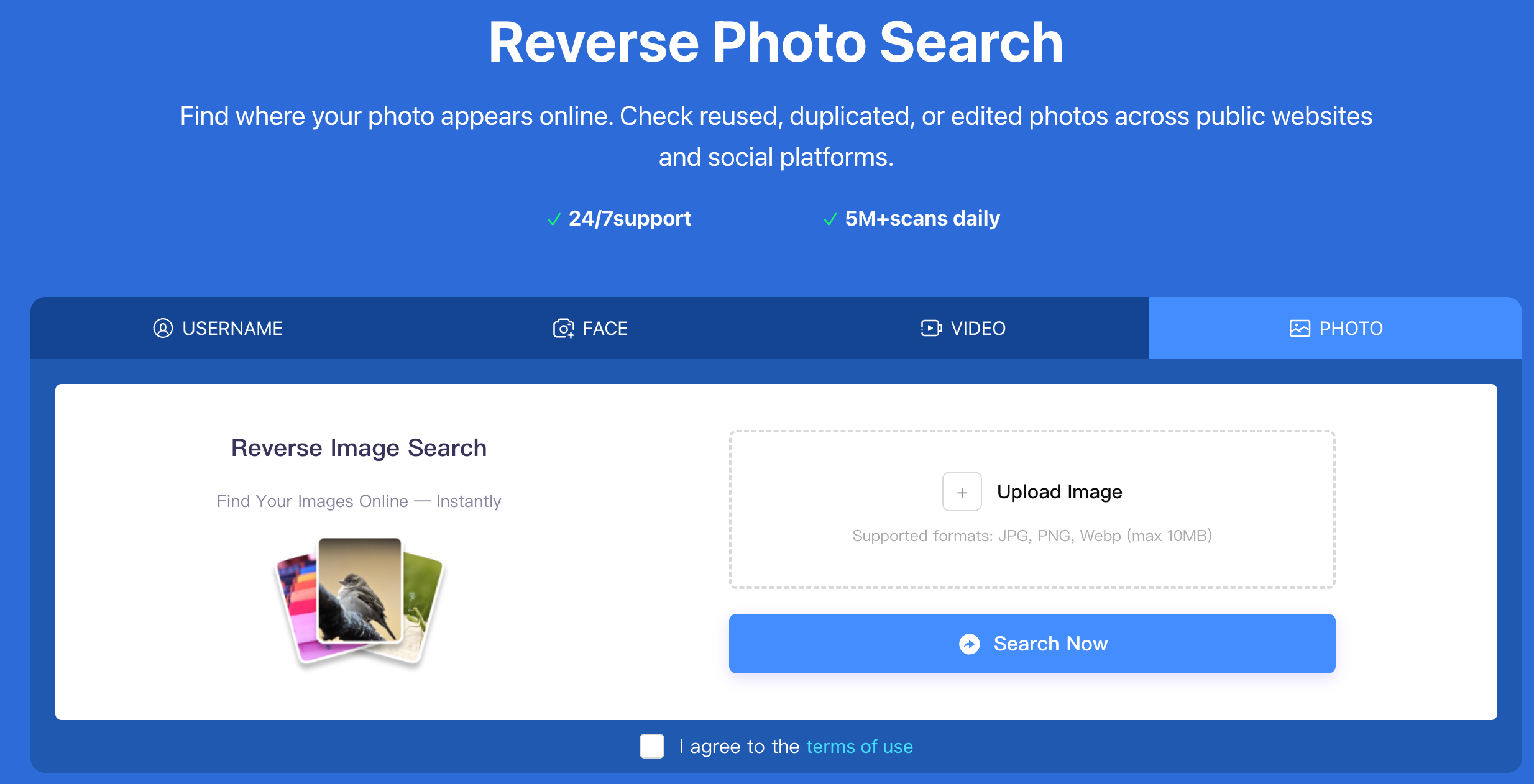
Image search is no longer just about matching text to pictures.
Modern image search techniques make it possible to search using visual evidence alone — even when context, keywords, or original sources are missing.
Understanding how these techniques work helps explain why reverse image search has become an essential tool for identifying image reuse, verifying authenticity, and tracking where images appear online.
Compare pricing, success-rates & speed of Erasa, Rulta, Enforcity and more to protect leaked OnlyFans content. Free templates & insider tips.
Learn how to protect your adult-oriented content on X (Twitter) with ERASA’s streamlined DMCA tools. Step-by-step guide + free template.
OnlyFans creators use DMCA takedowns to fight leaks — but they don’t always work. This guide explains when DMCA takedowns are effective, where they fail, and how creators handle repeated leaks in practice.
Learn how to remove leaked OnlyFans photos and videos from websites, search results, and social platforms—using proven DMCA takedown steps that actually work.
Worried about catfishing or fake identities in dating apps? Use photo and face search techniques to spot impersonation before it turns into a scam.
Stop image theft now. Use our professional duplicate photo finder to search for duplicate pictures across the web and social media. Detect reuploads and protect your work today.