Pimeyes face search alternative:Is there a site better than PimEyes?
Looking for a PimEyes face search alternative? This page lists reliable options and explains which tools work better for privacy, social media image checks, and misuse detection.


 Fake Account Detection & Removal
 DMCA Takedown Service
 Onlyfans Creator Protection
 Private Photo Protection
 Revenge Porn Removal
 AI Image Abuse Detection
 For Creator
 For Individuals
 General
 Twitter Shadowban Test
 Instagram Shadowban Test
 Tiktok Shadowban Test
 Creator Platform Comparison Tool
 OnlyFans Restricted Words Checker
 OnlyFans Caption Generator
 Blog
Blog DMCA Guides
 Affiliate Program
 Email
Email X(Twitter)
 Telegram
Most people assume that reverse image search should be able to tell them where their face appears online. After all, if you upload a picture into Google Images, shouldn’t it show every page using that image — including copies, screenshots, or someone pretending to be you?
But anyone who has tried it knows the disappointment well:
irrelevant objects,
random strangers,
and absolutely nothing that looks like you.
Yet the real questions linger:
Is someone reusing my photos?
Is there a fake account with my face?
Did my content leak somewhere?
Has an AI-generated deepfake of me surfaced online?
This is where the misunderstanding begins:
Reverse image search and reverse face search are not the same thing.
This guide explains — in clear, human language — why traditional reverse image search fails for faces, how modern face-search technology works, what it can uncover, and how you can protect yourself.
Reverse image search tools like Google or Bing were built to match images, not identities.
They look for:
What they don’t analyze is exactly what makes a face recognizable:
So when you upload a selfie, Google isn’t trying to find you.
It’s trying to find visually similar pictures — similar backgrounds, lighting, or colors.
This is why reverse image search fails completely at:
Even two normal photos of the same person, taken minutes apart, often return unrelated results.
Reverse image search matches pixels.
Reverse face search matches people.
They serve fundamentally different purposes.
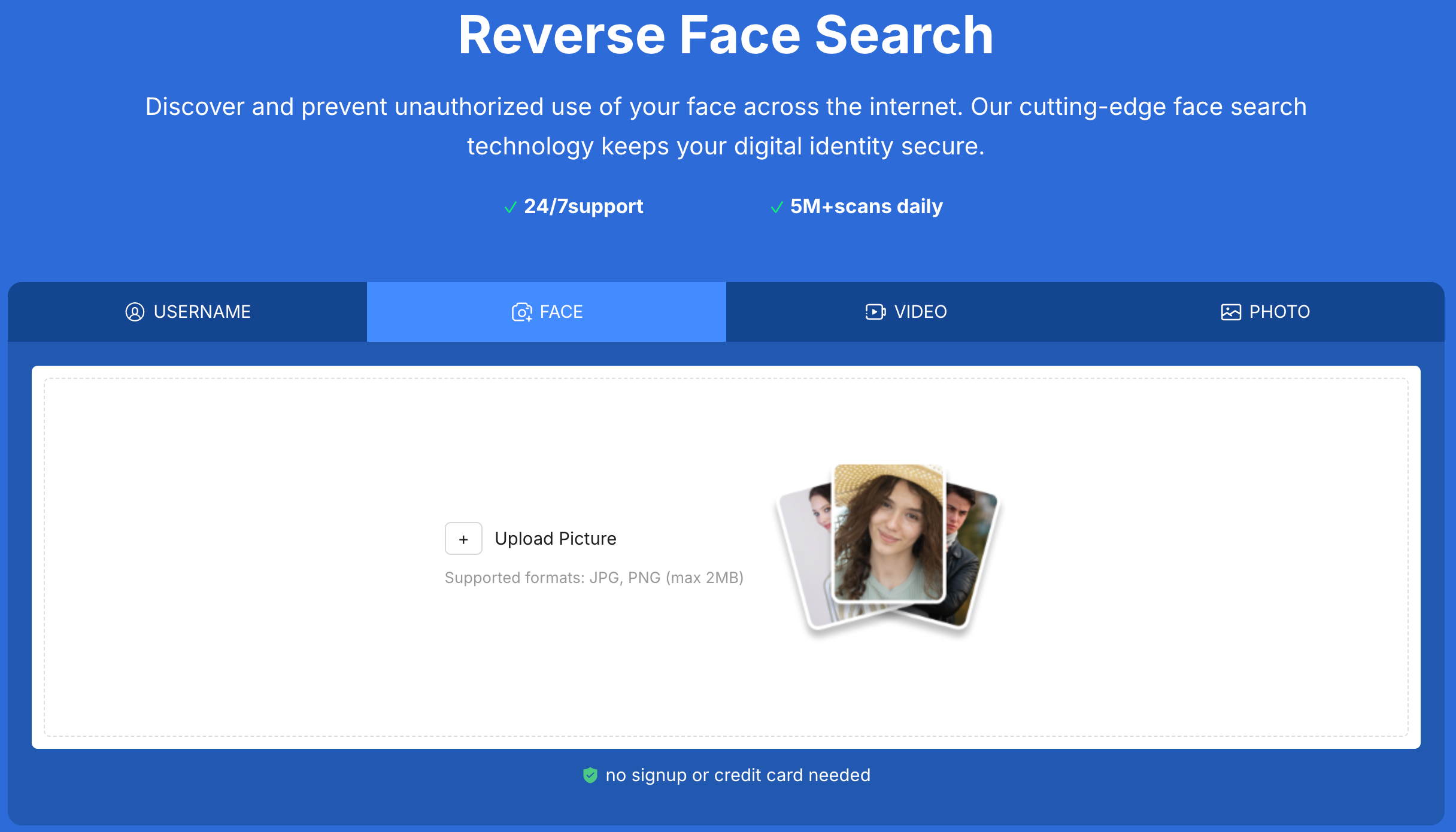
Instead of matching pixels, face-search tools analyze structure — the mathematical relationships that make your face unique.
A deep-learning model converts your facial features into a numerical vector — a stable representation that remains reliable even when the photo changes.
Lighting, filters, angle shifts, makeup — none of these break the signature.
Your embedding is compared against large collections of publicly accessible images:
public social profiles
indexed websites
forums and repost communities
leaked-content hubs
video thumbnails
No tool scans the entire internet — but face-search covers far more than any manual search ever could.
Because the system focuses on structure, it can detect your face even when the photo has been:
cropped
compressed
screenshotted
filtered
re-photographed
taken from a different angle
This is why face-search succeeds where traditional reverse image search cannot.
People are often shocked by how far their images travel — often without their knowledge or consent.
Your face alone can be used to build entire identities online:
dating app profiles, social accounts, influencer fraud, or scam operations.
Face-search helps you uncover these accounts early.
Creators and everyday users frequently find their portraits:
Reverse image search won’t detect any of this.
Face-search often does.
Creators face a unique risk: paywalled content being screenshotted, edited, or reposted across Telegram, Reddit, or aggregator sites.
Face-search helps surface these leaks, giving you the visibility needed to take action.
Deepfake misuse has become disturbingly common.
A modern face-search tool can reveal:
synthetic adult content
face-swapped clips
AI-generated portraits
manipulated selfies
It isn't perfect — no tool is — but it provides essential early warning.
Even the most advanced systems have boundaries.
They cannot access:
They also cannot reliably detect:
Any service claiming 100% detection is not being honest.
Understanding these limits sets accurate expectations — and builds trust.
The workflow is simpler than most people expect.
The heavy detection work happens behind the scenes.
Your job is simply to act on what the tool uncovers.
A proper face-search tool should provide:
Erasa is designed specifically for situations where your face, not your username or content, is being misused — whether through fake profiles, leaks, or AI-generated media.
Can you reverse image search a face?
Yes — but not with Google. Only face-similarity tools can identify the same person across photos.
Does Google support face matching?
No. Google avoids identity-based recognition intentionally.
Can face-search detect deepfakes?
Some types, yes — but no tool catches everything.
Will someone know I searched their face?
No. Searches are private and anonymous.
Is face-search legal?
Searching publicly accessible images is legal in most regions when handled responsibly.
If your photos are being reused, if a fake account is impersonating you, if creator content leaked, or if someone generated AI images of you, traditional reverse image search won’t reveal any of it.
Face-search gives you visibility and control at a time when online identity is more vulnerable than ever.
You can run a quick face scan anytime with Erasa — no login, no credit card, no stored photos.
Looking for a PimEyes face search alternative? This page lists reliable options and explains which tools work better for privacy, social media image checks, and misuse detection.
Looking for PimEyes alternatives? Compare safer reverse face search options, understand privacy concerns, and find tools better suited for tracking fake profiles or reused photos.
Learn how to check if your video has been leaked, where stolen videos usually spread, and what to do if your content is reposted without permission.
Reverse image search can’t identify faces. Learn why it fails, how face-search tools work, and how to find where your photos or identity appear online.
Learn why your Twitter (X) reach suddenly dropped. This guide explains the real reasons behind shadowbans and how to confirm your visibility status in minutes.
Learn where to sell feet pics safely, choose secure feet websites, avoid scams, and protect your photos from leaks with smart creator strategies.