erasa
Login
Join now to start monitoring and removing leaked content.
erasa
解決方案
OnlyFans內容保護
冒充帳戶移除
網絡模特保護
刪除外洩的 Onlyfans 內容
服務
內容監控內容監控
  • 反向用戶名搜索
  • 反向視頻搜索
  • 反向圖片搜索
  • 反向臉部搜索
DMCA下架DMCA下架
影子禁測試影子禁測試
  • Twitter 影子封鎖測試
  • Instagram 限流測試
  • TikTok 限時封鎖
定價
資源
Blog
DMCA Badges
指南
免費工具
OnlyFans 限制詞檢查器
OnlyFans 文案生成器
平台比較
社區
discord
Discord
接收平台操作指南並獲取官方提示和支援。
x
Twitter
保持最新資訊更新。
tg
Telegram
獲得專業顧問的一對一支援。
分享
Copy

How to Check Where Your Photos Appear Online (And Spot Misuse)

Check where your photo appears online using reverse image search to detect reuse, impersonation, or stolen images

Photos and account content are copied and reused online more often than most people realize.
Images get lifted from social profiles, dating apps, creator pages, or private posts — then reposted, repackaged, or used to build fake accounts somewhere else.

When you notice something like this — your photo appearing where it shouldn’t, or an image you recognize being used by someone else — the first thing you want to know is simple:how can you check whether your photo or content has been reused, and where it has ended up?

用戶名
照片
反向用戶名搜索

The good news is that this no longer requires guesswork.

There are now fast, practical ways to search for photo reuse, see where an image appears online, and understand how it’s being used.

This article walks through how to check photo reuse using reverse image search, where stolen photos commonly surface, and what steps make sense once misuse is confirmed.

1. Quick Self-Check: What’s Actually Going On With This Photo?

Before running any searches, it helps to pause and identify why the photo raised a red flag.
Different situations point to different types of misuse.

You’re looking at someone else’s profile photo

This is common on dating apps, social platforms, or messaging apps.
The photo might look overly polished, strangely generic, or out of sync with the way the person talks or posts.
What you’re really trying to figure out is whether this image was taken from somewhere else.

You found your own photo on an account you don’t recognize

This usually means impersonation.
Someone may be using your image to create fake profiles, message others, or appear legitimate.
At this point, the concern shifts from
is it stolen to how far it’s already spread.

You’re worried about private or sensitive photos

This often starts with a cropped image, a screenshot, or a thumbnail you weren’t expecting to see.
The immediate question is whether the photo has already moved beyond a private space.

You’re dealing with business or brand impersonation

Employee photos, creator images, or brand-facing visuals sometimes get reused in scams.
Here, the priority is to confirm misuse quickly so others don’t get misled.

Once you have a clear sense of which situation you’re in, the next step is to check where the photo actually appears online.

2. How to Check Where a Photo Appears Online

The most direct way to confirm whether a photo is stolen or reused is reverse image search.

Instead of searching about an image, you search with the image itself.

How reverse image search works

You upload the photo you’re concerned about.

The system scans the public web for identical or visually similar images.

This includes versions that have been:

  • Cropped
  • Resized or compressed
  • Screenshot
  • Slightly edited or filtered

The goal isn’t to identify a person.

It’s to see
where the same image — or the same face — appears elsewhere online.

用戶名
照片
反向用戶名搜索

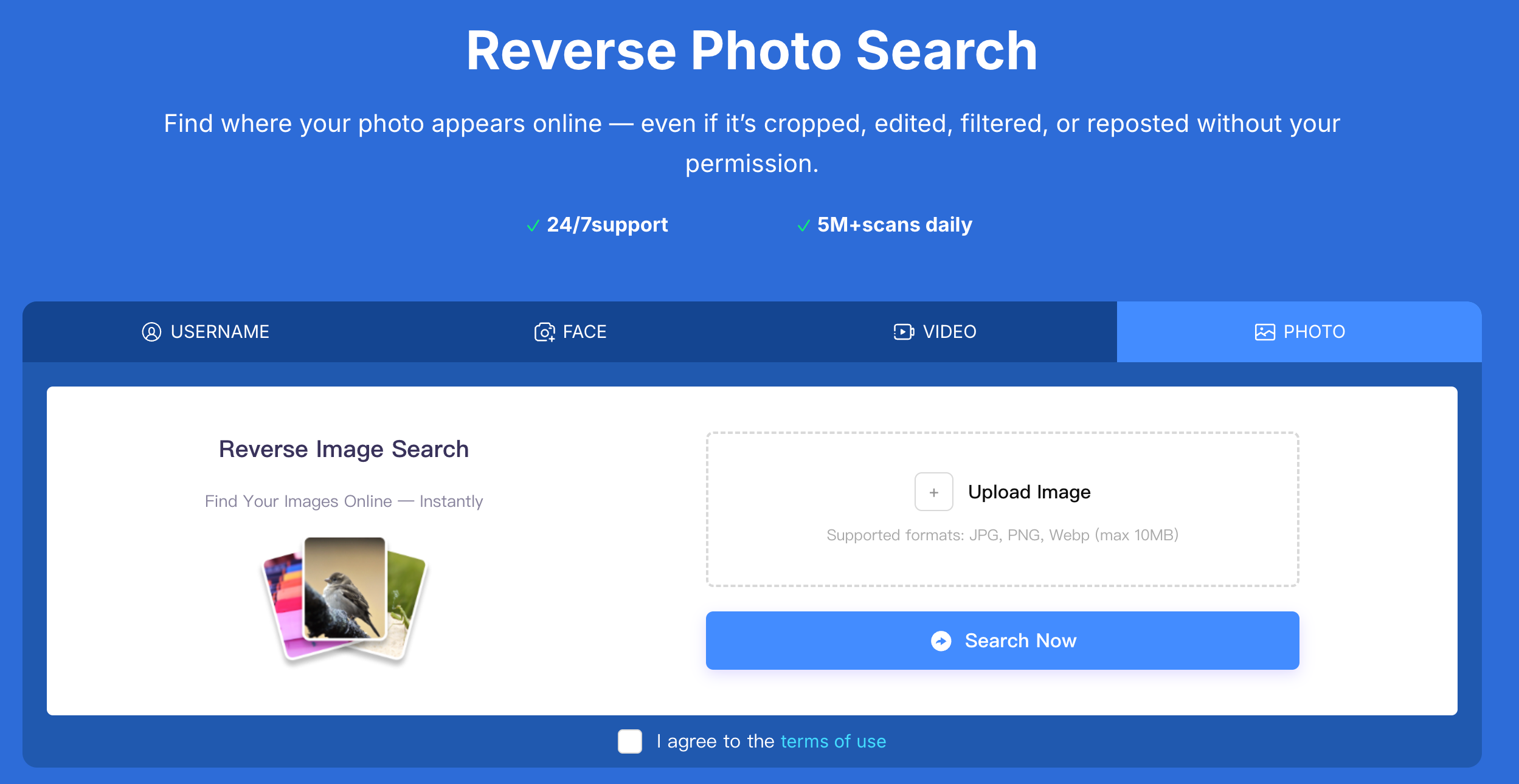
Using Erasa to check photo reuse

With Erasa’s reverse image search, you can:

  • See whether the photo appears on other platforms or websites
  • Identify cases where the same image is used by different accounts or identities
  • Find appearances across social media, forums, impersonation pages, or leak-related spaces

This is especially useful when you’re trying to answer questions like:

  • Is this profile photo being reused elsewhere?
  • Has my image been taken and posted without permission?
  • Is this part of a fake account or impersonation pattern?

What matters here is usage, not identity.

Finding the same photo used in multiple unrelated contexts is often the clearest signal of misuse.

Check where your photo appears online using reverse image search to detect reuse, impersonation, or stolen images

What this method can — and can’t — tell you

Reverse image search can show where a photo appears and how it’s being used.

It cannot confirm who the real person behind the photo is.

That distinction matters, and it’s why this approach stays focused on verification rather than speculation.

3. Three Common Real-Life Scenarios

Most stolen photo cases fall into one of these situations:

  • Social or dating profiles using reused photos to build trust
  • Impersonation, where someone uses your image to pose as you
  • Content misuse, where photos are reposted on forums or unauthorized pages

If your situation looks like one of these, you’re not alone — and the steps that follow apply directly.

4. Where Stolen Photos Usually End Up — and Why

When photos are stolen, they’re rarely taken “just to be taken.”

They’re usually reused for a purpose.

Fake social media and messaging accounts

Stolen photos are commonly used to create believable profiles that message others or run scams.

Dating platforms and romance schemes

High-quality or attractive images are reused to appear trustworthy and appealing.

Forums, repost hubs, and leak sites

Images may be shared without context, consent, or attribution, often spreading further through reuploads.

Commercial or scam-related use

Photos are sometimes used in fake giveaways, investment pitches, or impersonated brand outreach.

Understanding how a photo is being used helps determine how urgent the situation is.

5. What to Do If You Confirm a Photo Is Stolen

Once you’ve confirmed misuse, the next steps are about control and prevention.

Secure evidence first

Save the URLs where the image appears.

Take screenshots showing the account name, profile details, and timestamps.

Avoid contacting the impersonator directly — that often makes situations worse.

Removal and ongoing protection

Stolen photos are rarely a one-time issue.
Once an image circulates, it’s often reused again.

This is where services like Erasa can help by:

  • Monitoring for stolen photos, fake accounts, and impersonation
  • Identifying new appearances as they happen
  • Assisting with removal and takedown requests across platforms

The goal isn’t just removal — it’s reducing repeat misuse.

6. Frequently Asked Questions

How can I tell if a photo is stolen or just reposted?
If the same image is used by different accounts or identities, that’s a strong sign of misuse.

What if I don’t find any results when I search the image?
That doesn’t always mean the photo is safe. It may be newly uploaded, heavily edited, or limited to small platforms.

Can stolen photos be cropped or edited to avoid detection?
Yes. That’s why searching both original and altered versions of an image matters.

Can reverse image search help identify catfish accounts?
It can’t identify a person, but it can reveal whether a photo is reused across unrelated profiles.

What should I save before reporting a stolen photo?
Always save links, screenshots, account details, and dates before taking action.

Can stolen photos be permanently removed from the internet?
Some can be removed, others require ongoing monitoring. Prevention and follow-up matter as much as initial takedowns.

人們也喜歡

OnlyFans Leaks的DMCA刪除服務是什麼?

用最好的DMCA刪除服務保護您的OnlyFans內容免受泄漏。快速,可靠,匿名-今天保護您的收入。

OnlyFans Leaks的DMCA刪除服務是什麼?

7個最佳DMCA刪除服務(2025年評論)

比較Erasa, Rulta, Enforcity等的定價,成功率和速度,以保護泄露的OnlyFans內容。免費模板和內幕提示。

7個最佳DMCA刪除服務(2025年評論)

如何爲X (Twitter)內容申請DMCA刪除:創作者指南

瞭解如何保護您的成人爲導向的內容在X(推特)與ERASA的流線型DMCA工具。一步一步的指南+免費模板。

如何爲X (Twitter)內容申請DMCA刪除:創作者指南

快速刪除泄露的OnlyFans內容:合法的刪除方式

泄露的OnlyFans內容正在傳播?準確瞭解如何發現每一個泄漏,提交正確的DMCA通知,並在被盜照片和視頻進一步傳播之前快速刪除。

快速刪除泄露的OnlyFans內容:合法的刪除方式

社交媒體的鮎魚搜索器:如何檢查照片是否被盜

懷疑是鮎魚賬戶?學習如何檢查照片是否被盜,重用或在社交媒體資料中被歪曲。

社交媒體的鮎魚搜索器:如何檢查照片是否被盜

如何應對網絡泄密?

如果你的照片、視頻或付費內容在網上泄露,這解釋瞭如何處理它——從發現重新上傳到減少持續曝光。

如何應對網絡泄密?

如果有人在網上用照片勒索你該怎麼辦

被人用私人照片勒索是很可怕的。瞭解該做什麼,如何保護自己,報告威脅,並檢查您的圖像是否已經在線泄露。

如果有人在網上用照片勒索你該怎麼辦

圖像泄漏檢測服務:它們是如何工作的以及它們發現了什麼

瞭解圖像泄漏檢測服務如何發現在線轉發、編輯或泄露的照片。清晰、實用地瞭解這些工具是如何工作的,以及何時使用它們。

圖像泄漏檢測服務:它們是如何工作的以及它們發現了什麼

如何知道你的照片是否泄露(以及如何檢查)

學習如何檢查你的照片是否在網上泄露,泄漏通常出現在哪裏,以及泄露的照片通常用於什麼。說明了實用的方法。

如何知道你的照片是否泄露(以及如何檢查)

如何從互聯網上刪除我的信息-什麼纔是真正有效的

個人照片、用戶名或聯繫方式在網上出現?學習如何從互聯網上刪除你的信息,並停止重複暴露。

如何從互聯網上刪除我的信息-什麼纔是真正有效的

有人在網上用你的照片嗎?查找重複版本

檢查你的照片是否被重複使用、編輯或未經許可發佈。反向搜索顯示你的圖片在不同平臺上出現的位置——甚至是修改過的副本。

有人在網上用你的照片嗎?查找重複版本

反向圖像搜索色情-看看你的照片在哪裏使用

使用反向圖像搜索來查看你的照片在網上被使用的地方。在成人和公共平臺上檢測泄漏、濫用、深度僞造和未經授權的轉發。

反向圖像搜索色情-看看你的照片在哪裏使用
分享
Copy
erasa
終極泄露內容移除