If your OnlyFans content is leaked, the real problem is not the leak itself —it’s locating every account that is reusing your photos across different platforms.
Leaked images are often reposted under different usernames, on multiple sites, and in slightly edited forms.
Searching names or keywords only shows part of the picture.
This guide shows exactly how to track leaked OnlyFans accounts using reverse image search, so you can identify where your photos are being reused and decide what to do next.
Why Username Searches Fail — and What to Use Instead
If you’re trying to track leaked content by searching your OnlyFans username, you’re likely missing most of the reuse.
Don’t rely on:
- Username searches
- Captions or hashtags
- Platform-specific searches only
Leaked accounts usually:
- Avoid your original name
- Post images without text
- Reuse photos as avatars, thumbnails, or reposts
What to do instead:
Track leaked accounts by searching the images themselves, not the text attached to them.
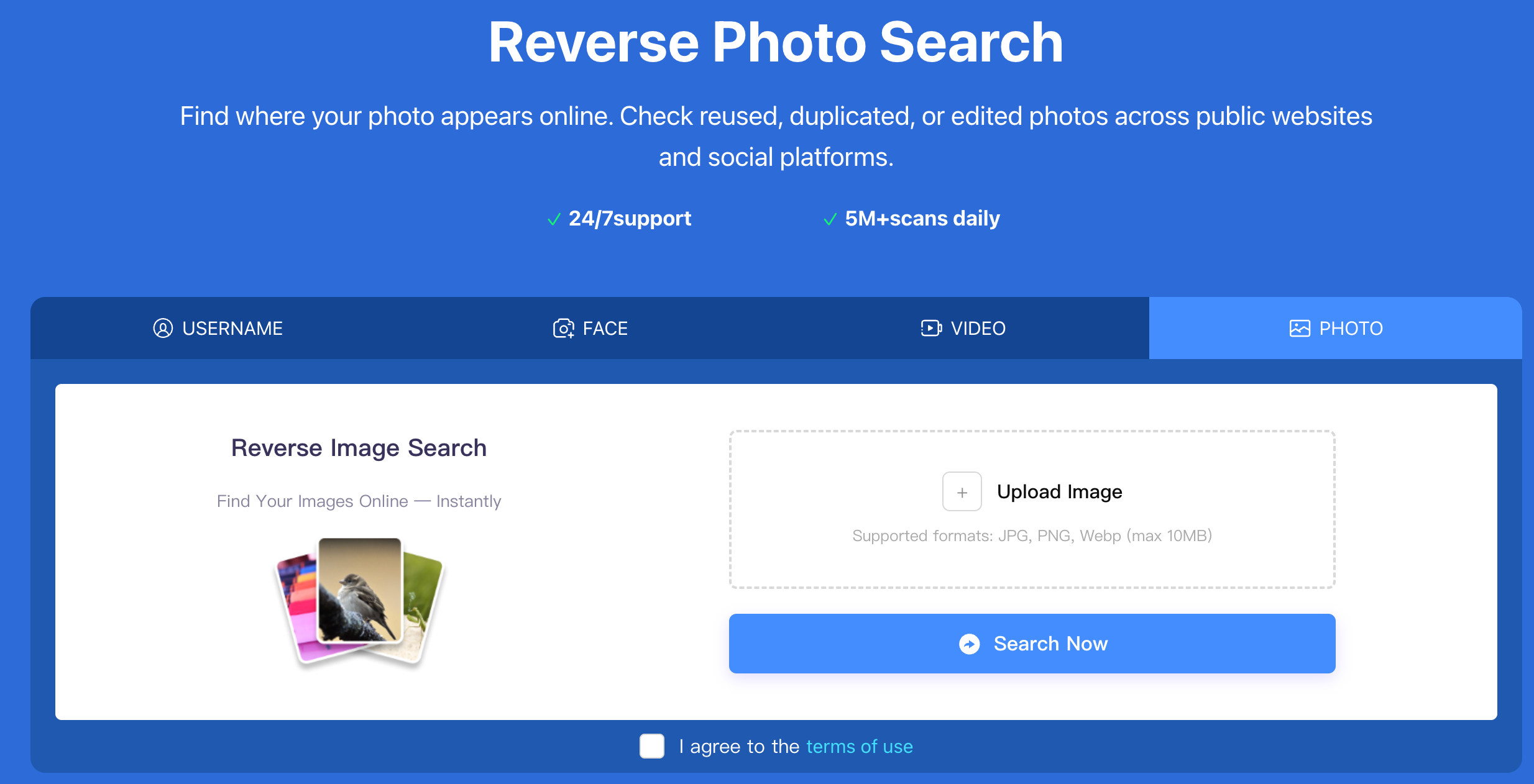
Use Reverse Image Search to Track Leaked Accounts
Reverse image search lets you find where the same photo — or a visually similar version — appears online, even when usernames and captions are completely different.
This method is effective for tracking leaked OnlyFans accounts because it helps you:
- Find multiple accounts using the same image
- Detect cropped, resized, or slightly edited versions
- Identify reuse across different platforms
- Spot repeated patterns tied to the same content source
If your goal is to track accounts, not just individual posts, image-based search is the most reliable starting point.
Step-by-Step: How to Track Leaked OnlyFans Accounts
Step 1: Select the Right Images to Search
Choose images that are:
- Frequently reposted
- Used as profile pictures or promo images
- Visually clear (face, tattoos, background, or unique styling)
If an image has been reused before, it’s a better tracking reference than new or rarely shared content.
Step 2: Run a Reverse Image Search
Upload one image at a time to a reverse image search tool.
The goal is not to find an exact match only, but to surface:
- Direct reuploads
- Cropped versions
- Screenshots
- Slightly edited copies
Search results should be reviewed visually, not just by filename or page title.
Step 3: Identify Reuse Patterns Across Accounts
When reviewing results, look for patterns such as:
- The same photo appearing under different usernames
- Multiple accounts posting similar sets of images
- Repeated reuse across different platforms
If the same image appears across several profiles, treat them as linked leaked accounts, even if the usernames are unrelated.
Step 4: Focus on Accounts, Not Individual Posts
Prioritize tracking:
- Profile pages
- Accounts with repeated reuse
- Pages linking to external collections or archives
Single reposts matter less than accounts that consistently reuse your content.
Step 5: Record Leaked Accounts and Source URLs
Create a simple record including:
- Account URLs
- Platform names
- Example images reused
- Date found
If the same account appears repeatedly in future searches, it should be treated as a high-priority leak source
Common Types of Leaked OnlyFans Accounts (and How to Handle Them)
Fake or Impersonation Accounts
These accounts reuse your images to appear legitimate.
They should be tracked carefully, as they often repost content across platforms.
Aggregator Accounts
These collect content from multiple creators.
Expect repeated reuse rather than single incidents.
Social Media Repost Accounts
Often short-lived, but fast-spreading.
Track them to understand how content circulates.
Forum or Archive Profiles
High volume, lower urgency.
Useful for mapping overall distribution rather than immediate action.
Knowing the account type helps you decide which leaks to prioritize.
What to Do After You’ve Tracked Leaked Accounts
After identifying leaked accounts, creators usually:
- Document repeated reuse
- Report accounts that violate platform rules
- Prioritize accounts causing the widest exposure
- Monitor for recurring reposts over time
Tracking leaked accounts is an ongoing process, not a one-time check.
Using Reverse Image Search Tools for Ongoing Monitoring
Reverse image search tools are built to surface public image reuse across websites and social platforms.
Tools like Erasa focus on visual similarity rather than usernames or keywords, which makes them suitable for:
- Tracking leaked OnlyFans accounts
- Detecting edited or cropped copies
- Monitoring repeated reuse over time
Regular image-based checks help creators understand how far leaked content spreads and which accounts are responsible.




