Discover top OnlyFans caption ideas to boost clicks, PPV unlocks & tips. Explore examples, strategies & AI tools to write scroll-stopping captions in 2025.
On a visually-driven platform like OnlyFans, your caption isn’t just filler—it’s your hook. It’s the first thing a potential subscriber sees, and often the reason they choose to click, engage, or move on.
Why Your OnlyFans Caption Matters More Than You Think
📊 According to data from creator analytics platforms like HypeAuditor, users spend an average of just 1.7 seconds scanning each content block—and your caption is what catches their eye first.
In other words:
- A strong caption doesn’t just describe what’s in your post—it teases it, sells it, and makes it irresistible.
- A great OnlyFans caption can: Boost your click-through rate (CTR) by stopping the scroll. Increase content views by sparking curiosity. Drive subscriptions, tips, and PPV unlocks by pushing users to act.
🎯 Think back to the last post you couldn’t resist clicking—was it the photo, or the line that said, “Bet you can’t watch this without blushing…”?
👉 On OnlyFans, your caption has three jobs:
- Grab attention
- Spark curiosity
- Prompt action—whether that’s clicking, subscribing, or tipping
In this guide, we’ll explore:
- The five most effective caption styles (with copy-paste examples)
- How to tailor captions to different content types (photos, videos, PPV, livestreams)
- Proven strategies to boost engagement and tips
- Common mistakes to avoid
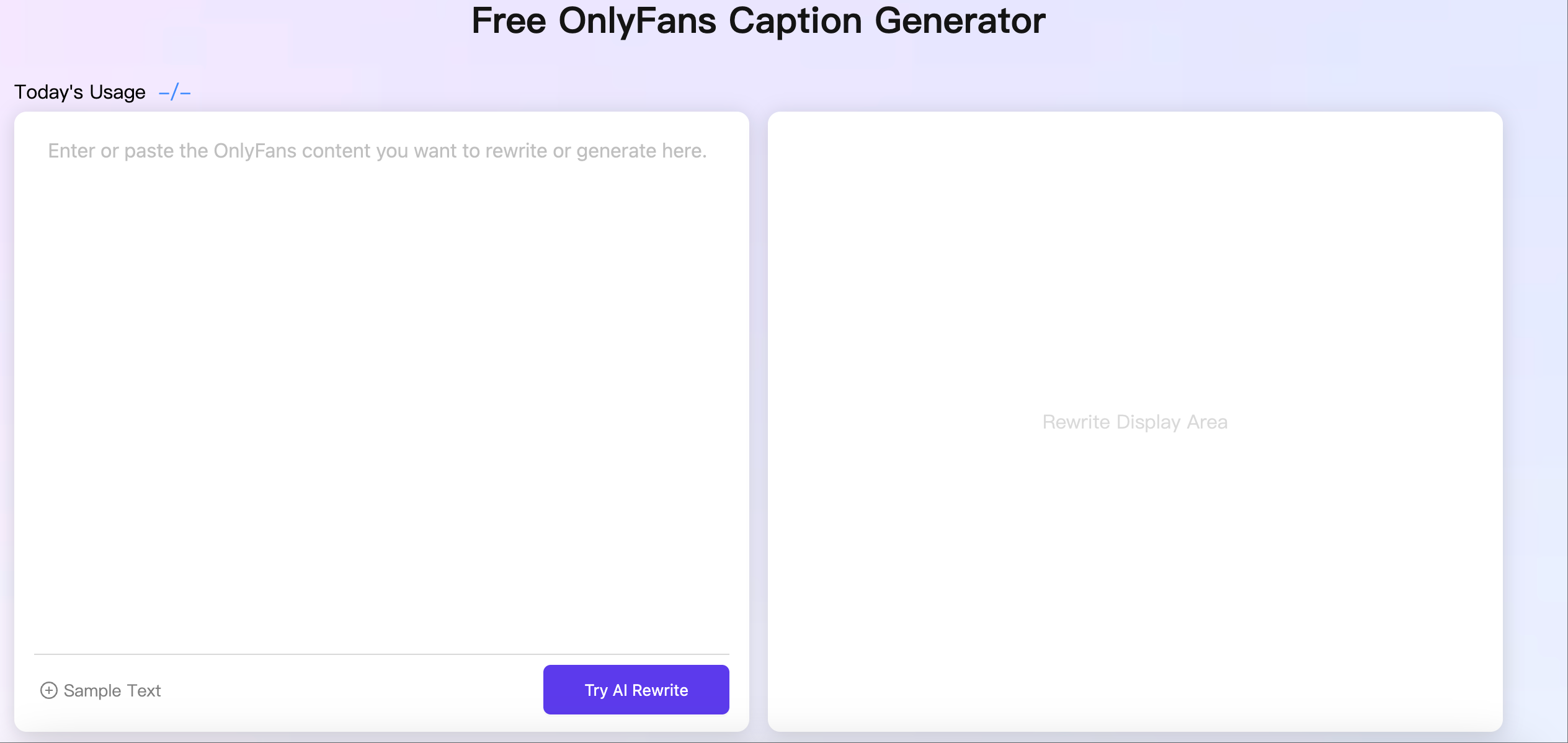
- And how AI tools like Erasa’s OnlyFans Caption Generator can save you time
The 5 Best OnlyFans Caption Styles (With Copy-Paste Examples)
Every audience is different—but psychology isn’t. Whether your fans crave seduction, playfulness, or mystery, the right caption style can create instant chemistry.
1. 🔥 Seductive Captions (Sexy & Direct)
Use when: Posting spicy, intimate content to spark instant desire.
Why it works: Taps into fantasy, provokes emotion, and promises pleasure.
Examples:
- “Tonight, I’m all yours. Don’t make me wait…”
- “You’ve seen me dressed up… now see what’s underneath.”
- “One touch away from something unforgettable.”
📝 Pro tip: Add urgency (“Available for 24 hours only”) to drive PPV unlocks.
2. 😜 Playful Captions (Flirty & Fun)
Use when: Teasing, joking, or posting casual selfies and behind-the-scenes.
Why it works: Feels lighthearted and approachable—perfect for fan intimacy.
Examples:
- “Guess what color I’m not wearing under this…”
- “Oops, did I just drop my towel? 👀”
- “Rate my outfit… or help me take it off?”
📝 Pro tip: Emojis add character and soften tone.
3. 💪 Confident Captions (Bold & Powerful)
Use when: You want to own your look and radiate boss energy.
Why it works: Confidence is magnetically attractive.
Examples:
- “Not everyone gets to see me like this. Consider yourself lucky.”
- “I don’t chase—I attract. Welcome to the fantasy.”
- “Confidence is the sexiest thing I wear.”
📝 Pro tip: Works best with strong poses and eye contact photos.
4. 🕵️♀️ Teasing Captions (Mysterious & Suggestive)
Use when: Hinting at paywalled content.
Why it works: Curiosity is a psychological trigger—it makes fans need to know more.
Examples:
- “Can you guess what I’m wearing right now?”
- “The second photo is where things get interesting…”
- “I was going to delete this… but maybe you deserve a peek.”
📝 Pro tip: Blur or crop your cover image for added mystery.
5. 👗 Cosplay or Fantasy Roleplay Captions
Use when: Dressing up as characters or doing themed shoots.
Why it works: Roleplay lets fans escape with you—it’s immersive and unique.
Examples:
- “Mistress Harley Quinn is ready to play... Obey the rules 💋”
- “Your maid forgot her uniform again. Naughty of me, wasn’t it?”
- “Tonight, you’re the villain… I’m your reward.”
📝 Pro tip: Include popular search terms (cosplay, catgirl, maid) for discoverability.
How to Write the Perfect OnlyFans Captions for Different Content Types
Your captions should match your content type. Here’s how:
📸 Captions for Photos
- Tease what’s not shown.
- Use first-person POV to create intimacy.
- SEO keywords: OnlyFans photo captions, tease captions.
Examples:
- “Caught this moment just for you… what would you do if you were here?”
- “This is just the beginning. Want to see what happens next?”
🎥 Captions for Videos
- Build anticipation with cliffhangers.
- Reference sound, movement, or reactions.
- SEO keywords: OnlyFans video captions, PPV teaser captions.
Examples:
- “This started with a stretch… ended with me breathless.”
- “You’ll never guess what happened at 2:47 😳”
🔐 Captions for PPV
- Highlight exclusivity and FOMO.
- Make it personal or taboo.
- SEO keywords: OnlyFans PPV caption ideas, unlock-worthy captions.
Examples:
- “Too hot for the feed—only 15 unlocks tonight.”
- “What you see here… no one else gets.”
📺 Captions for Livestreams
- State the time + theme clearly.
- Tease interaction (polls, Q&A, games).
- SEO keywords: OnlyFans livestream captions, live show promo.
Examples:
- “Going live at 9PM: 1 toy, 2 rules, zero shame.”
- “I’ve got stories to tell and secrets to show. Live now.”
Proven OnlyFans Caption Strategies to Boost Engagement
Captions should do more than describe—they should start conversations.
💬 Ask a Question
Turns lurkers into commenters.
Example: “Which do you prefer—lingerie or nothing at all?”
👉 Add a CTA
Tell fans exactly what to do.
Example: “Unlock for the full video—this is just the teaser 😈”
⏳ Create Urgency
Use FOMO triggers to increase PPV opens.
Example: “This video disappears in 24 hours. Don’t miss it.”
🎯 Gamify Captions
Turn captions into challenges or games.
Example: “Caption this photo. Funniest reply wins a surprise DM 😘”
Common OnlyFans Caption Mistakes (And Fixes)
- ❌ Being too generic → ✅ Add emotion & fantasy.
- ❌ Revealing too much → ✅ Keep mystery.
- ❌ Off-brand tone → ✅ Align with your niche.
- ❌ No CTA → ✅ Always guide fans.
- ❌ Repetition → ✅ Rotate caption formats weekly.
Using AI Tools to Write Better OnlyFans Captions—Faster
Writing daily captions can be draining. That’s why AI is a game-changer.
💡 Recommended Tool: Erasa’s OnlyFans Caption Generator
- Built specifically for creators.
- Tailors captions based on vibe, content type, and goal.
- Free to use and optimized for OnlyFans, Fansly, LoyalFans.
With AI, you can:
- Save time
- Stay on-brand
- Maintain variety
- Boost conversions
Final Takeaway
Your captions aren’t just words—they’re conversion tools. By mixing styles, aligning captions with content type, and avoiding common mistakes, you can:
- Boost CTR and PPV unlocks
- Increase engagement & tips
- Strengthen your OnlyFans brand voice
👉 Ready to stop the scroll? Start testing these caption ideas—and let tools like Erasa handle the rest.




